Eureka! Outputs
Stage 2 through Stage 6 of Eureka! can be configured to output plots of the pipeline’s interim results as well as the data required to run further stages.
Stage 2 Outputs
If skip_extract_1d is set in the Stage 2 ECF, the 1-dimensional spectrum will not be extracted, and no plots will be made. Otherwise, Stage 2 will extract the 1-dimensional spectrum from the calibrated images, and will plot the spectrum.
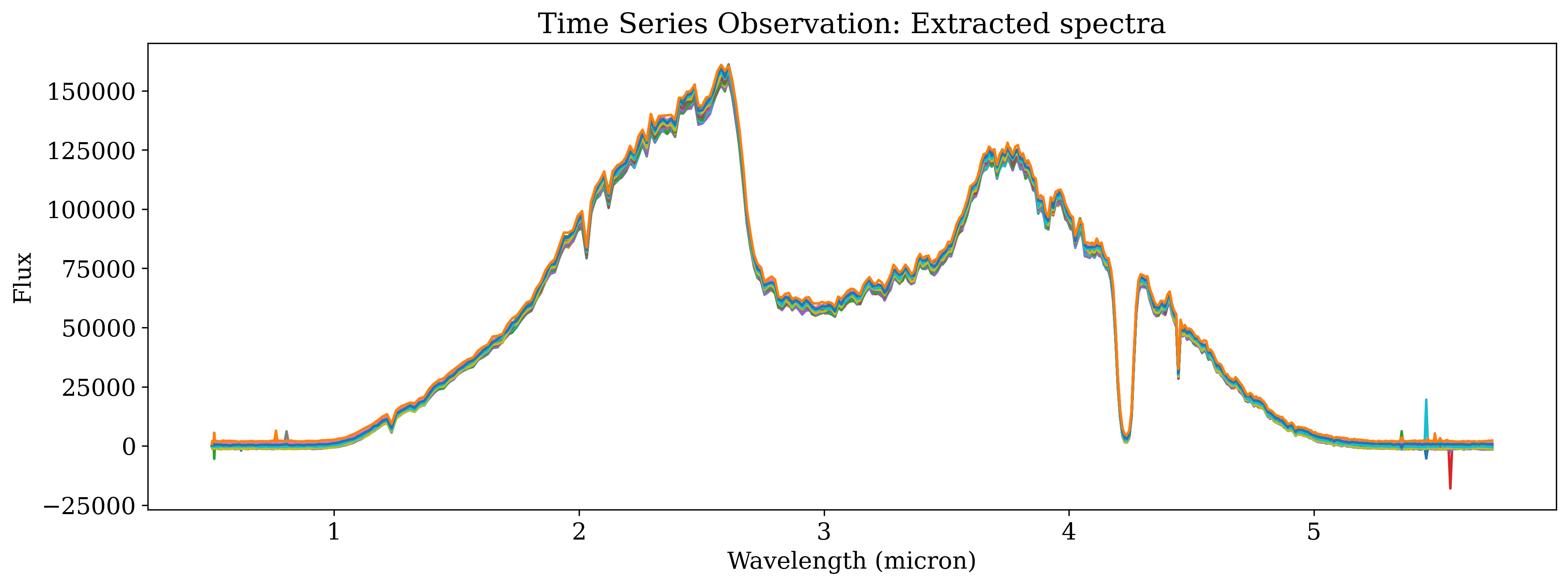
Fig 2101: 1-Dimensional Spectrum Plot
Stage 3 Outputs
In Stage 3 through Stage 5, output plots are controlled with the isplots_SX parameter. The resulting plots are cumulative: setting isplots_S3 = 5 will also create the plots specified in isplots_S3 = 3 and isplots_S3 = 1.
- In Stage 3:
If
isplots_S3= 1:Eureka!will plot the 2-dimensional, non-drift-corrected light curve, as well as variations in the source position and width on the detector.
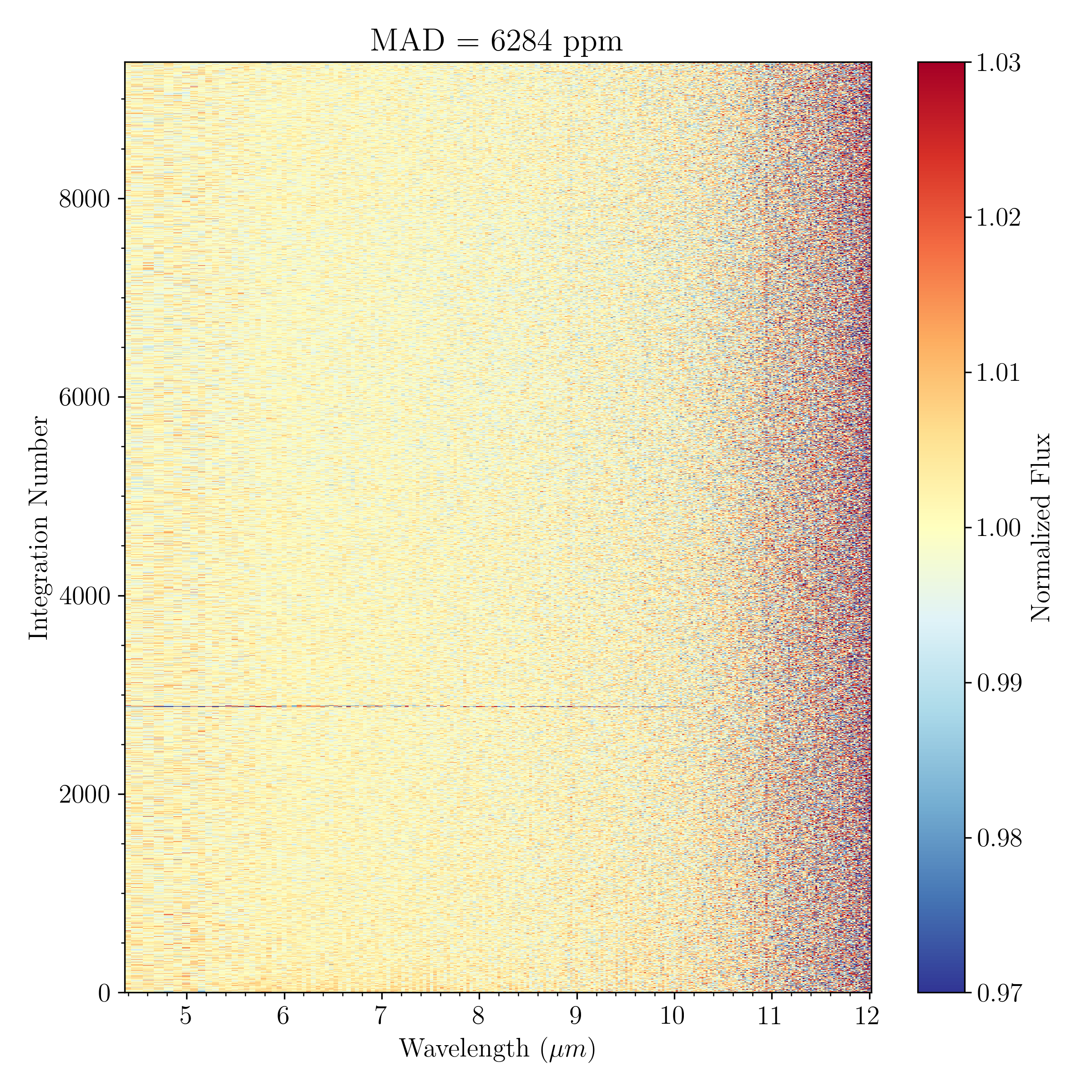
Fig 3101: 2-Dimensional Spectrum Plot with a linear wavelength x-axis
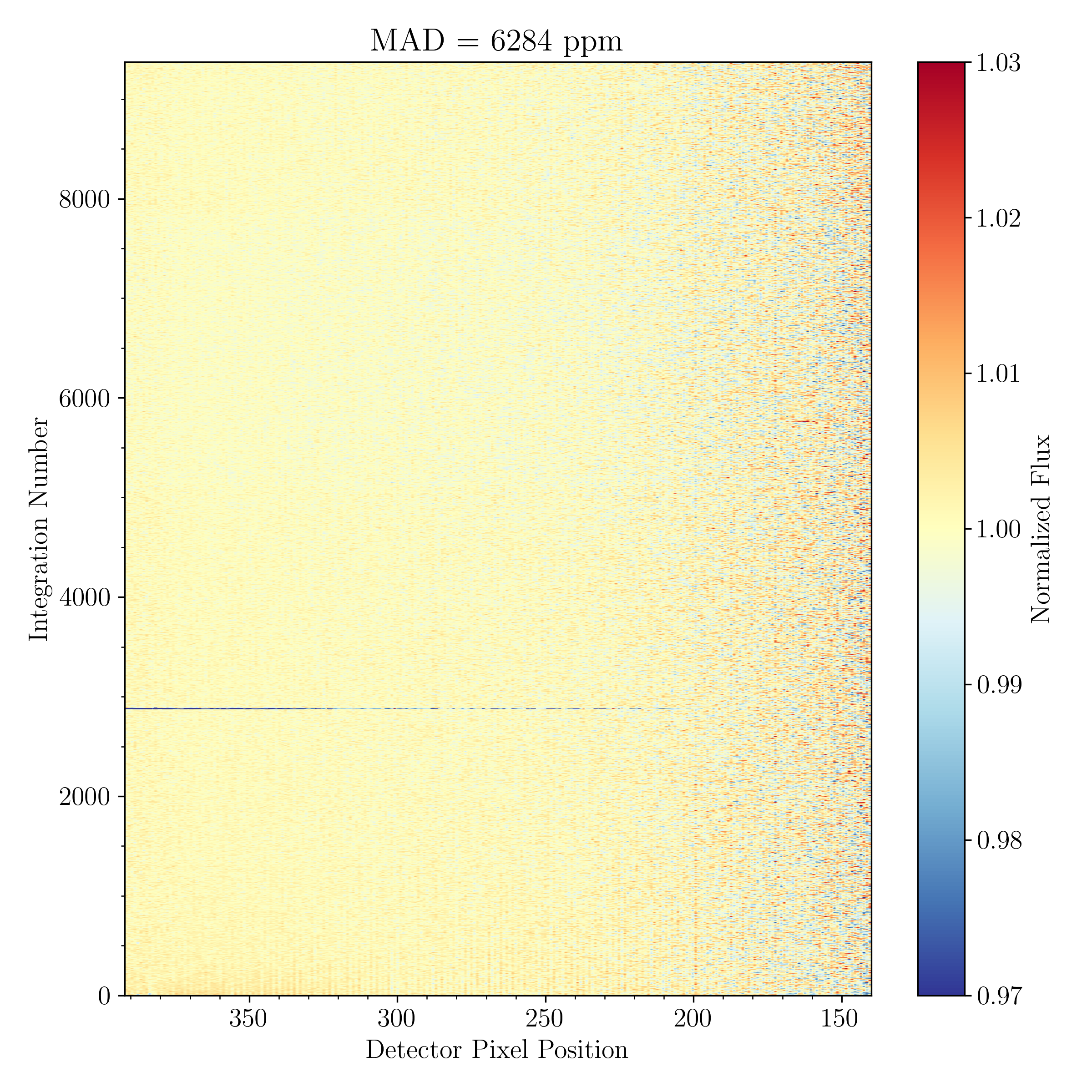
Fig 3102: 2-Dimensional Spectrum Plot with a linear detector pixel x-axis
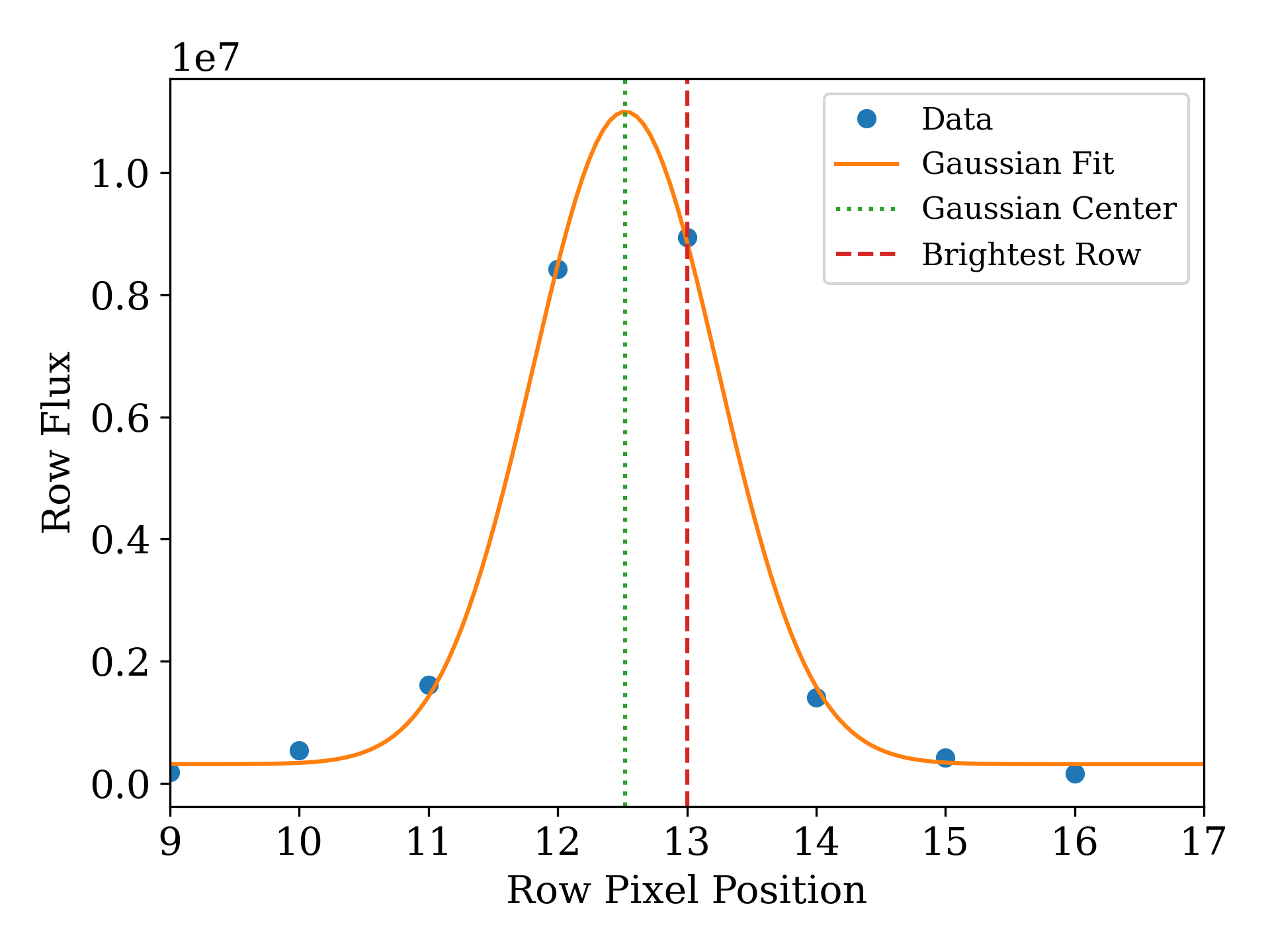
Fig 3103: Source Position Fit Plot
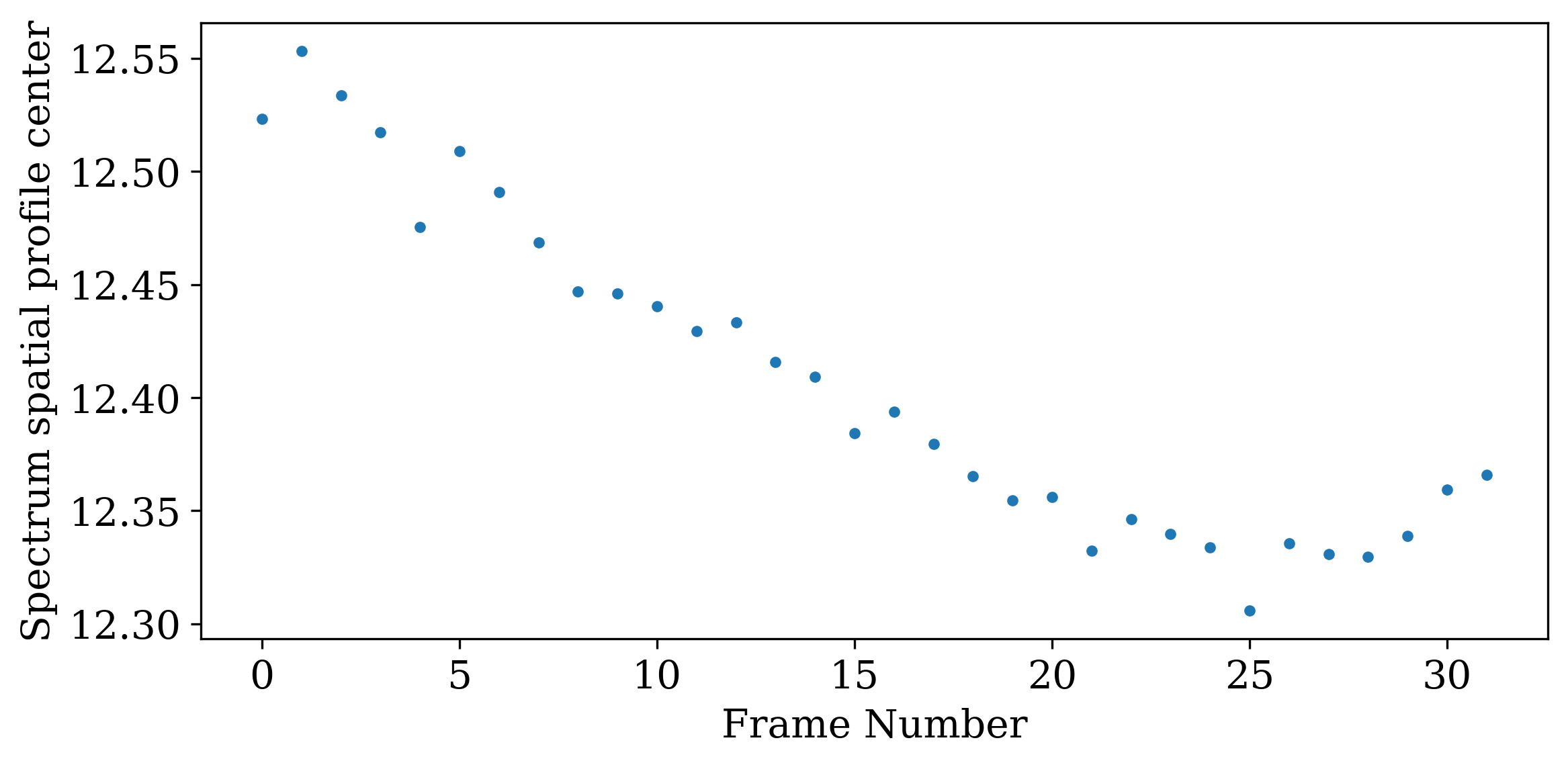
Fig 3104: Variations in the spatial-axis position
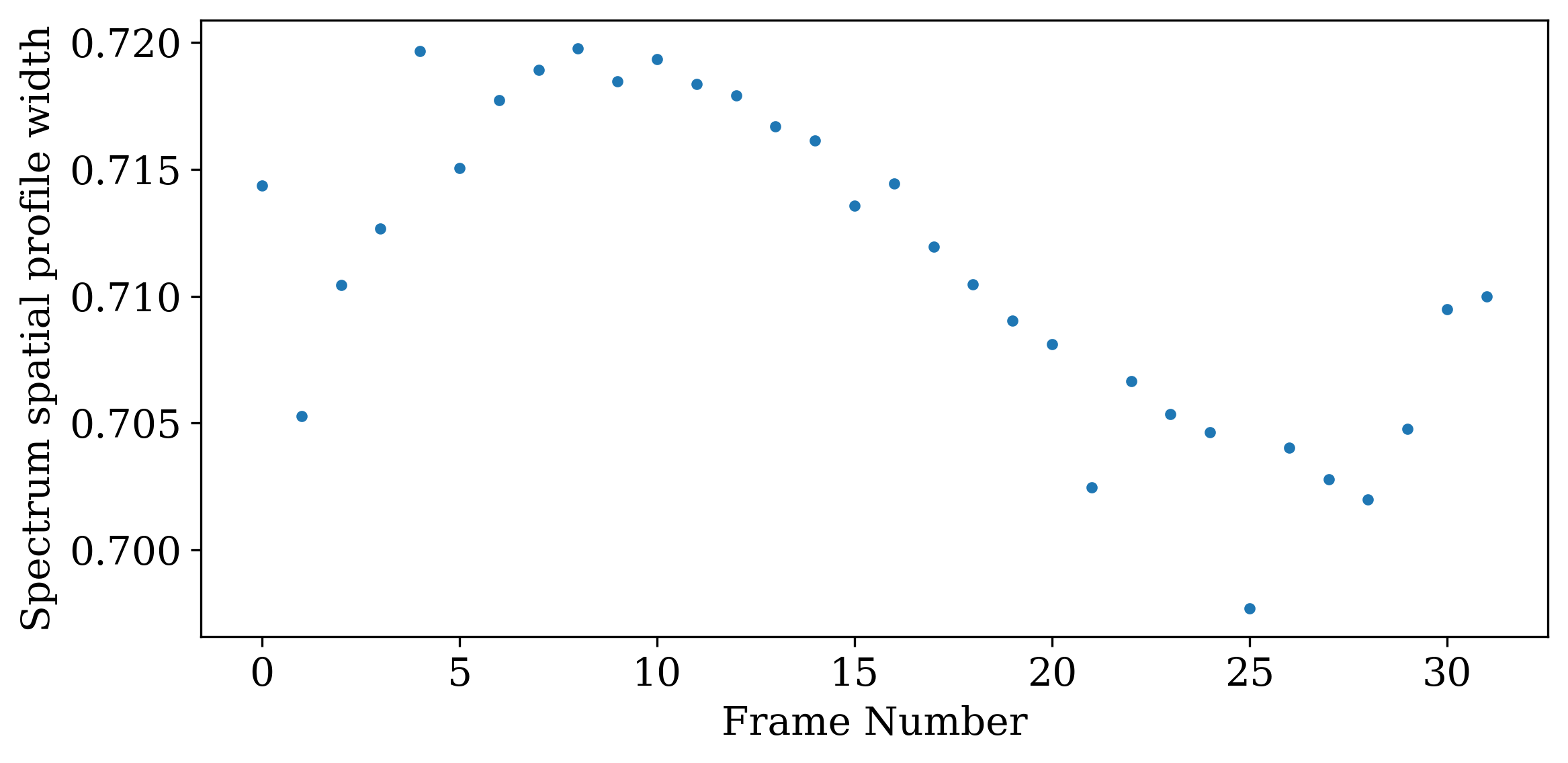
Fig 3105: Variations in the spatial-axis PSF width
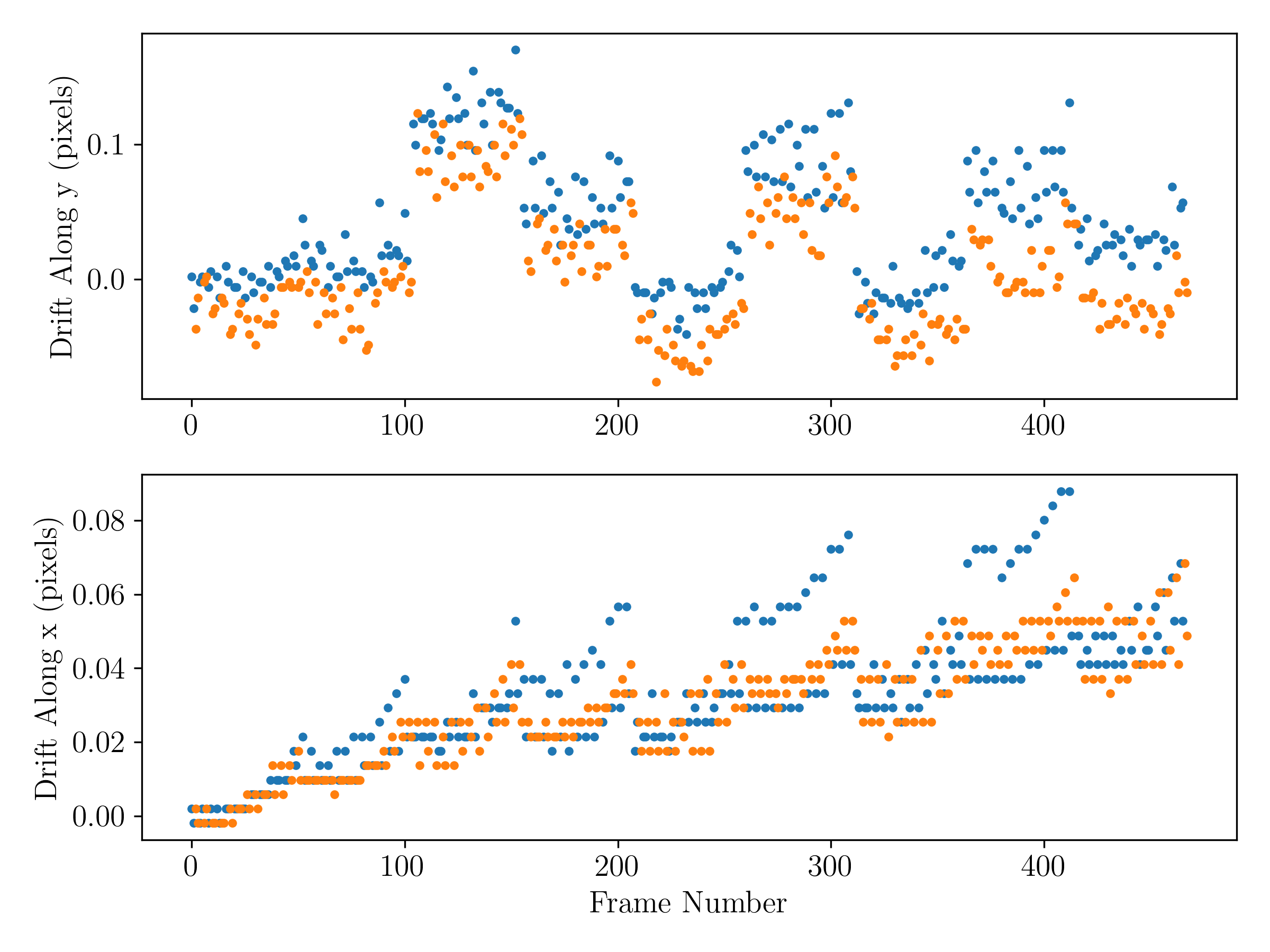
Fig 3106: 2D drift fit (currently only produced for WFC3)
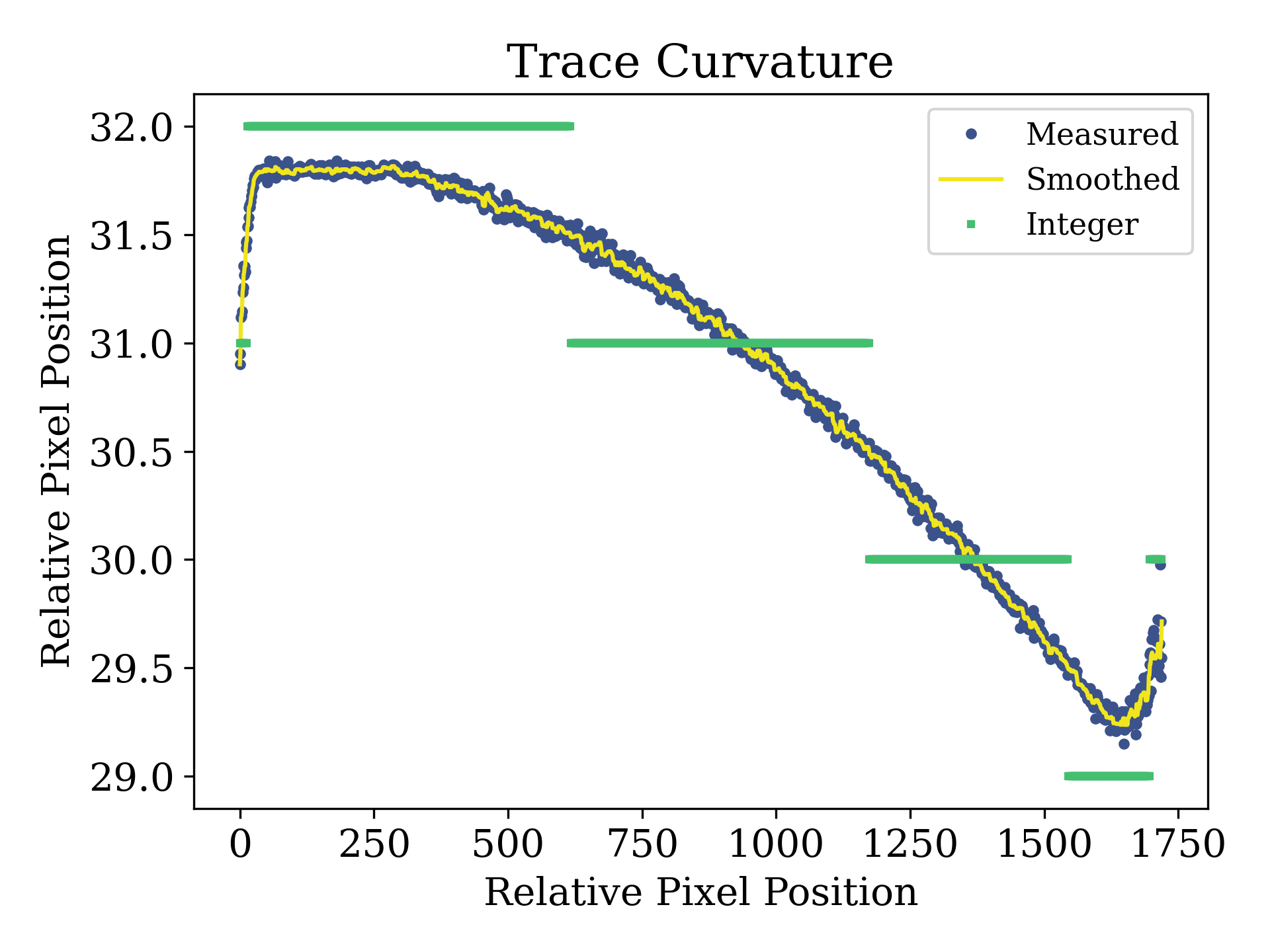
Fig 3107: Measured, smoothed, and integer-rounded position of trace
If
isplots_S3= 3:Eureka!will plot the results of the background and optimal spectral extraction steps for each exposure in the observation as well as the cleaned median frame.
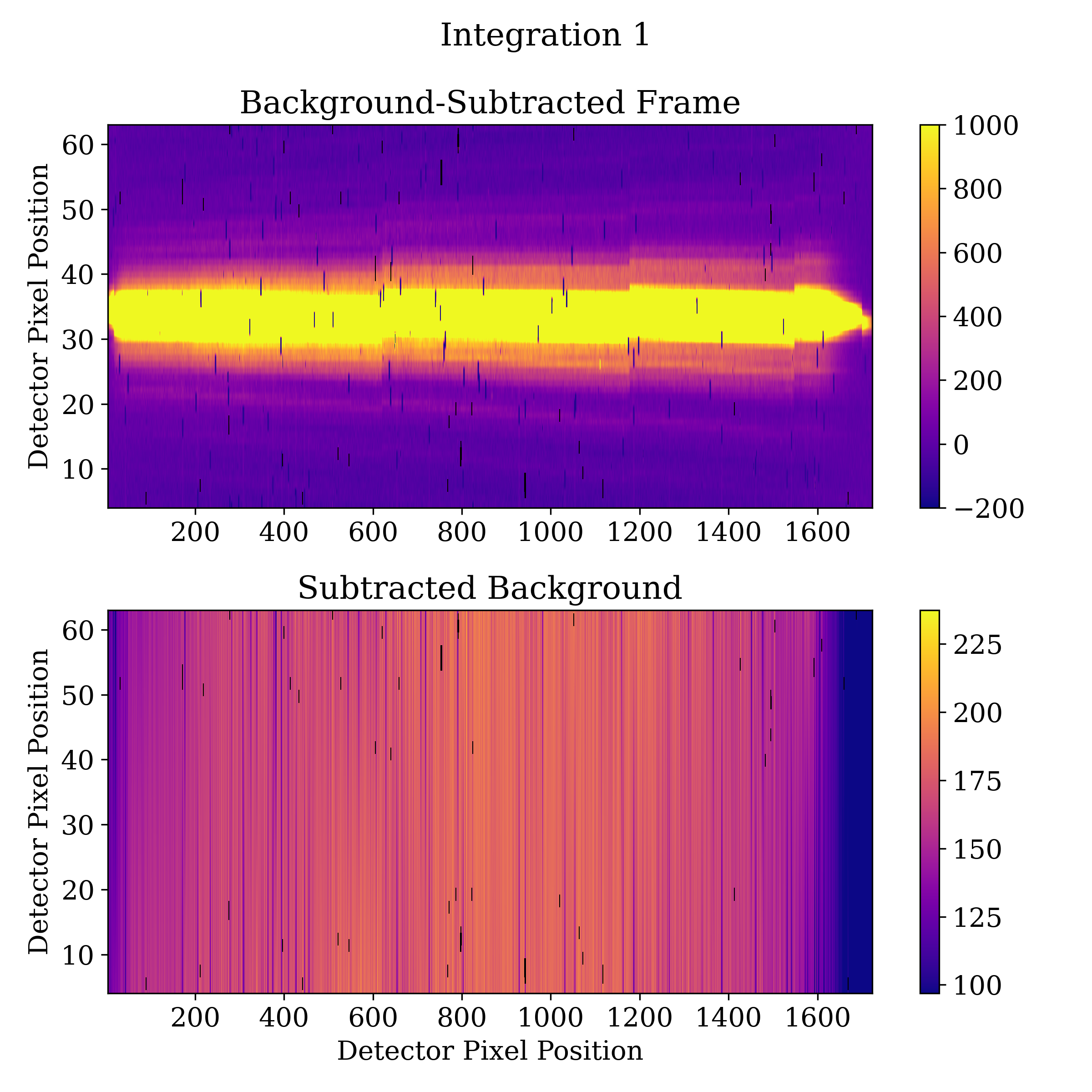
Fig 3301: Background Subtracted Flux Plot
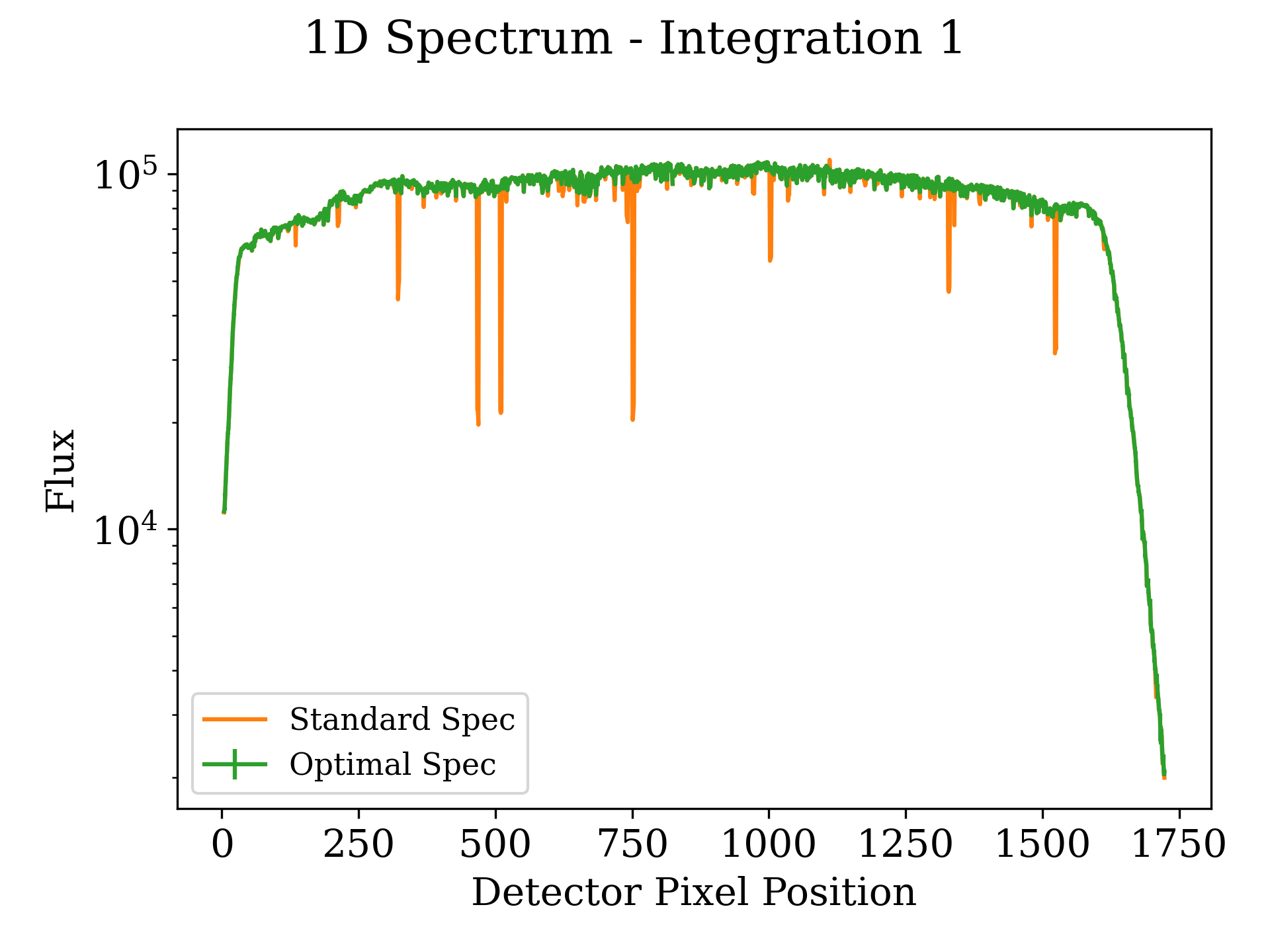
Fig 3302: 1-Dimensional Spectrum Plot
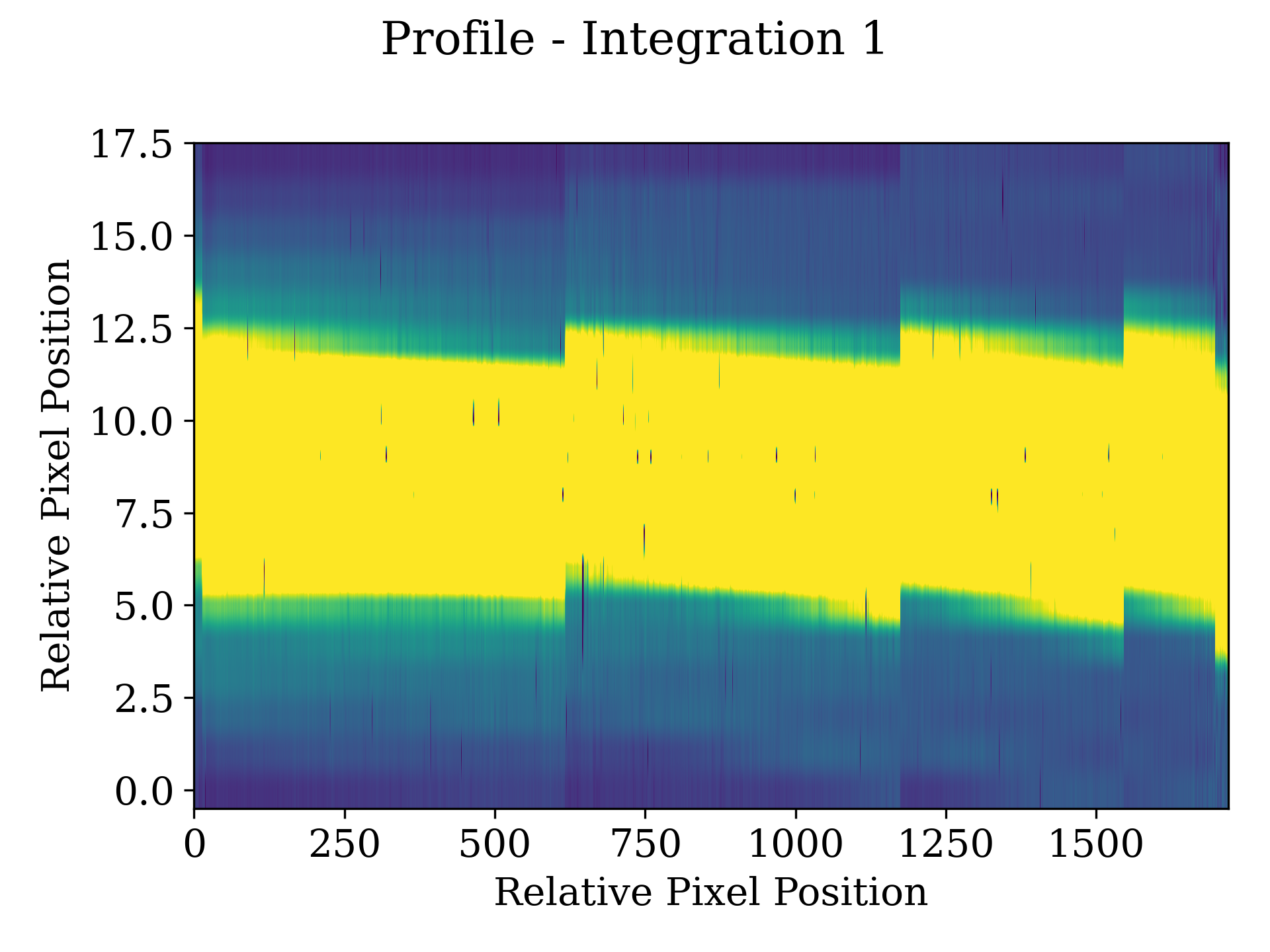
Fig 3303: Weighting Profile Plot
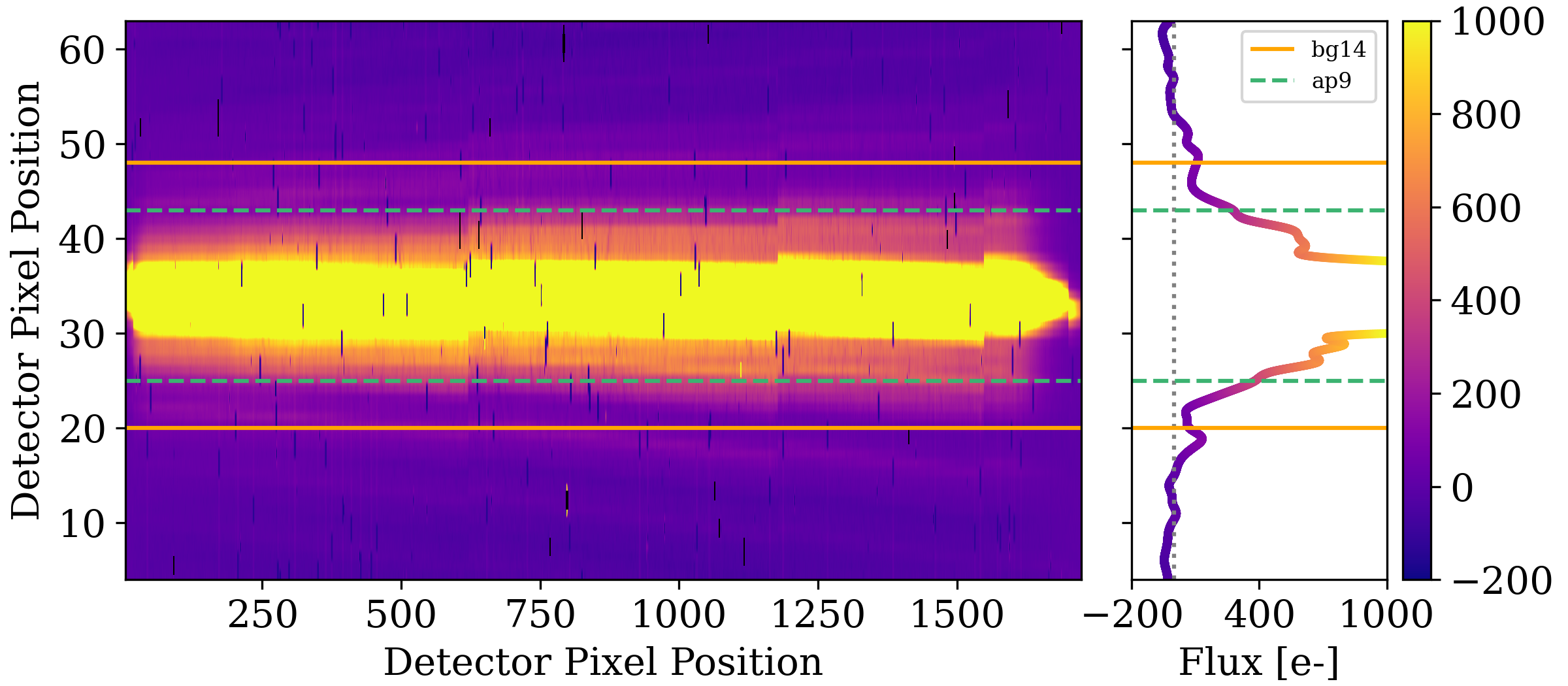
Fig 3304: Residual Background Plot
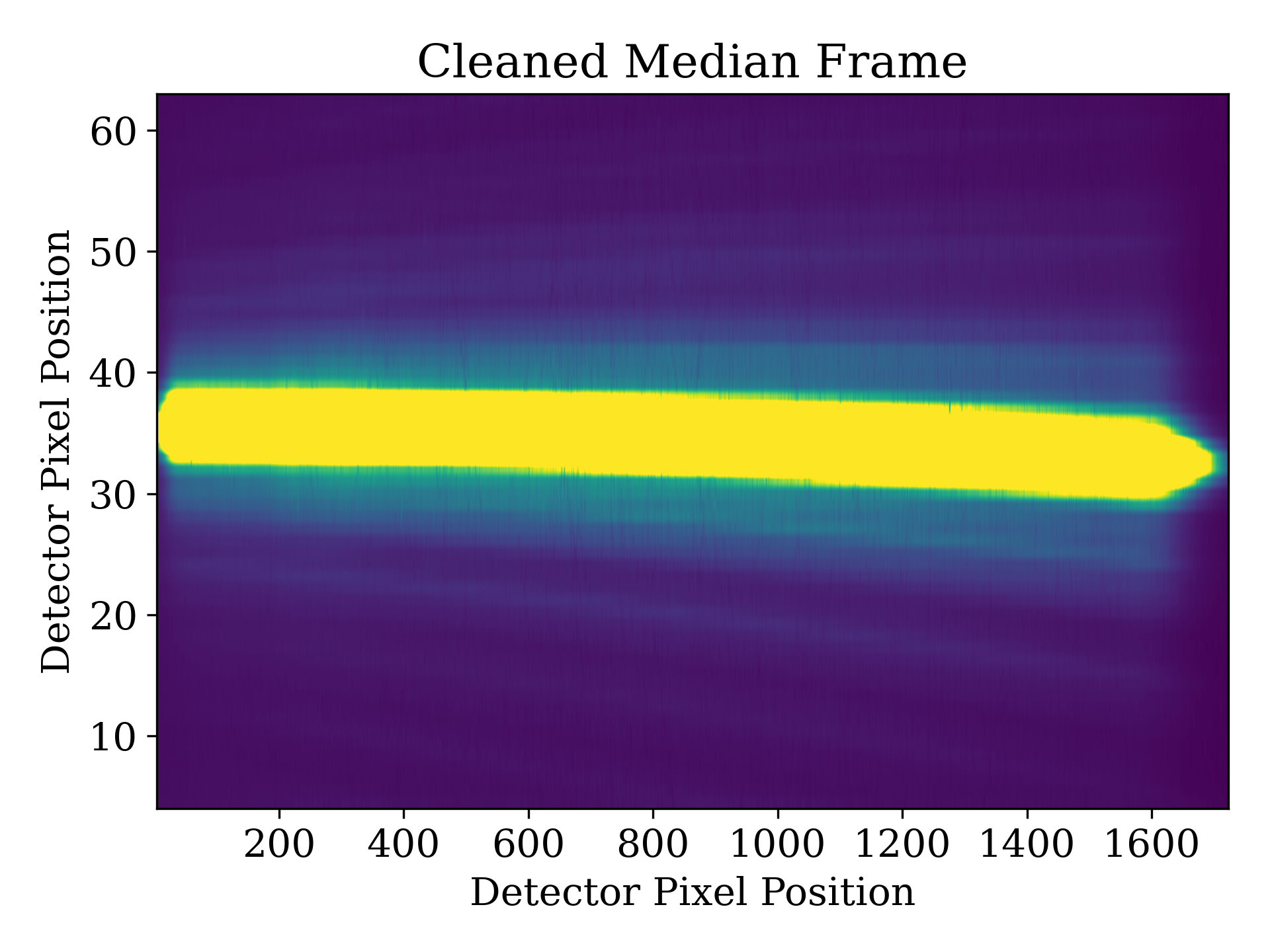
Fig 3308: Clean Median Frame Plot
If
isplots_S3= 5:Eureka!will plot the Subdata plots from the optimal spectral extraction step.
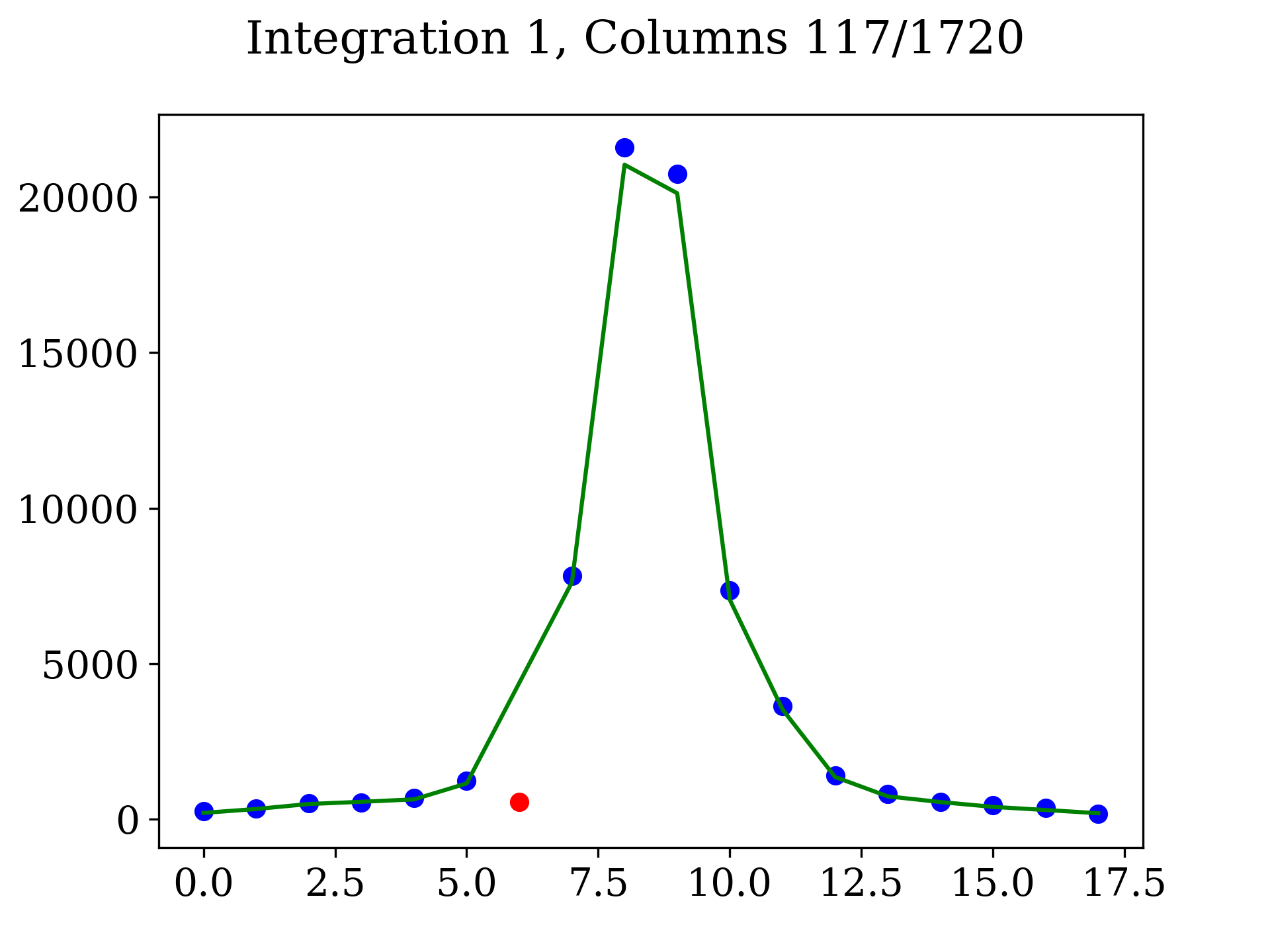
Fig 3501: Spectral Extraction Subdata Plot
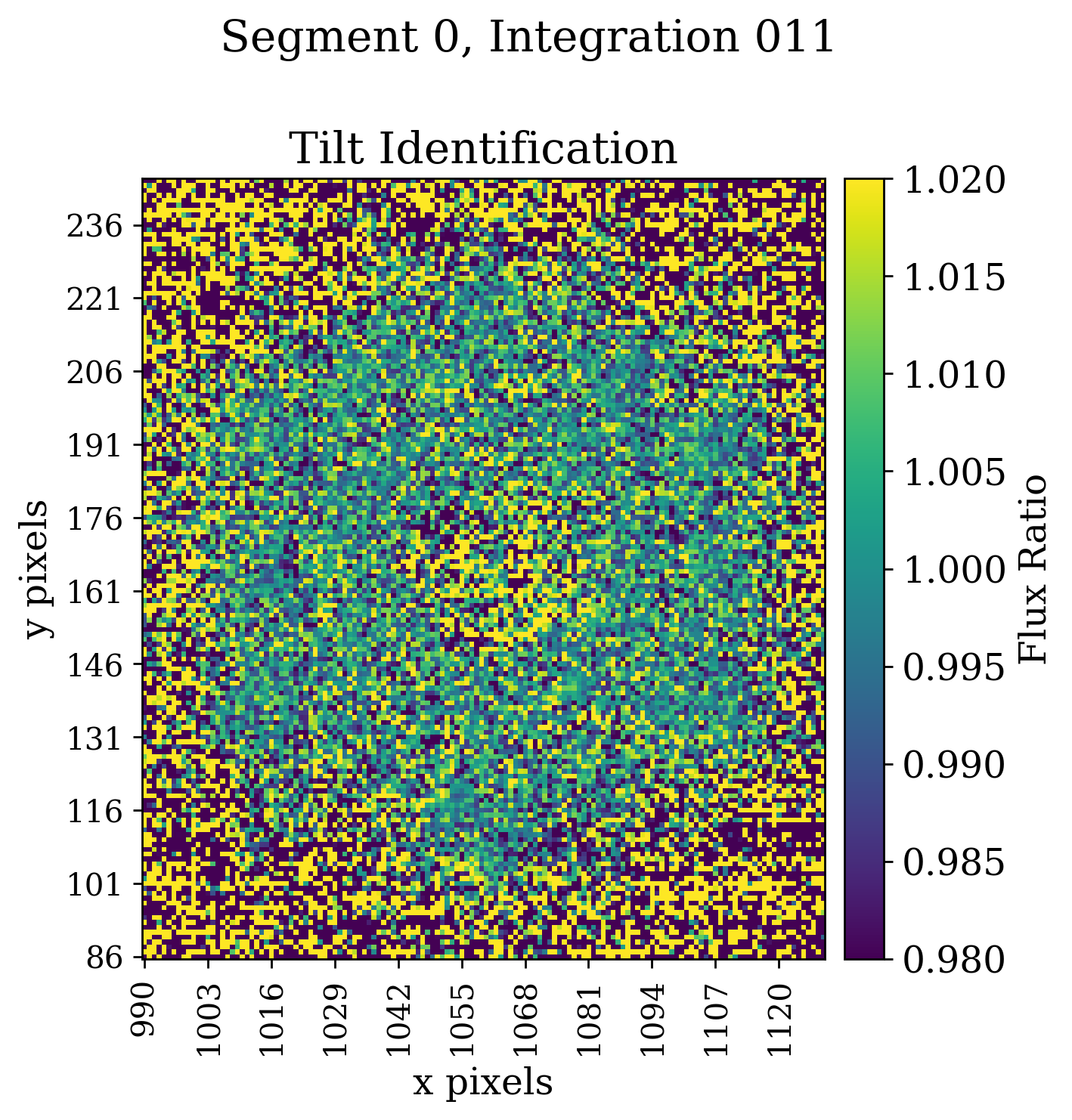
Fig 3507a: Tilt event frame plot. Figures 3507b and 3507c are GIF versions of this figure, b is at the segment level and c is over all segments
Stage 4 Outputs
- In Stage 4:
If
isplots_S4= 1:Eureka!will plot the spectral drift per exposure, the drift-corrected 2-dimensional lightcurve with extracted bins overlaid, and the 1D light curves.
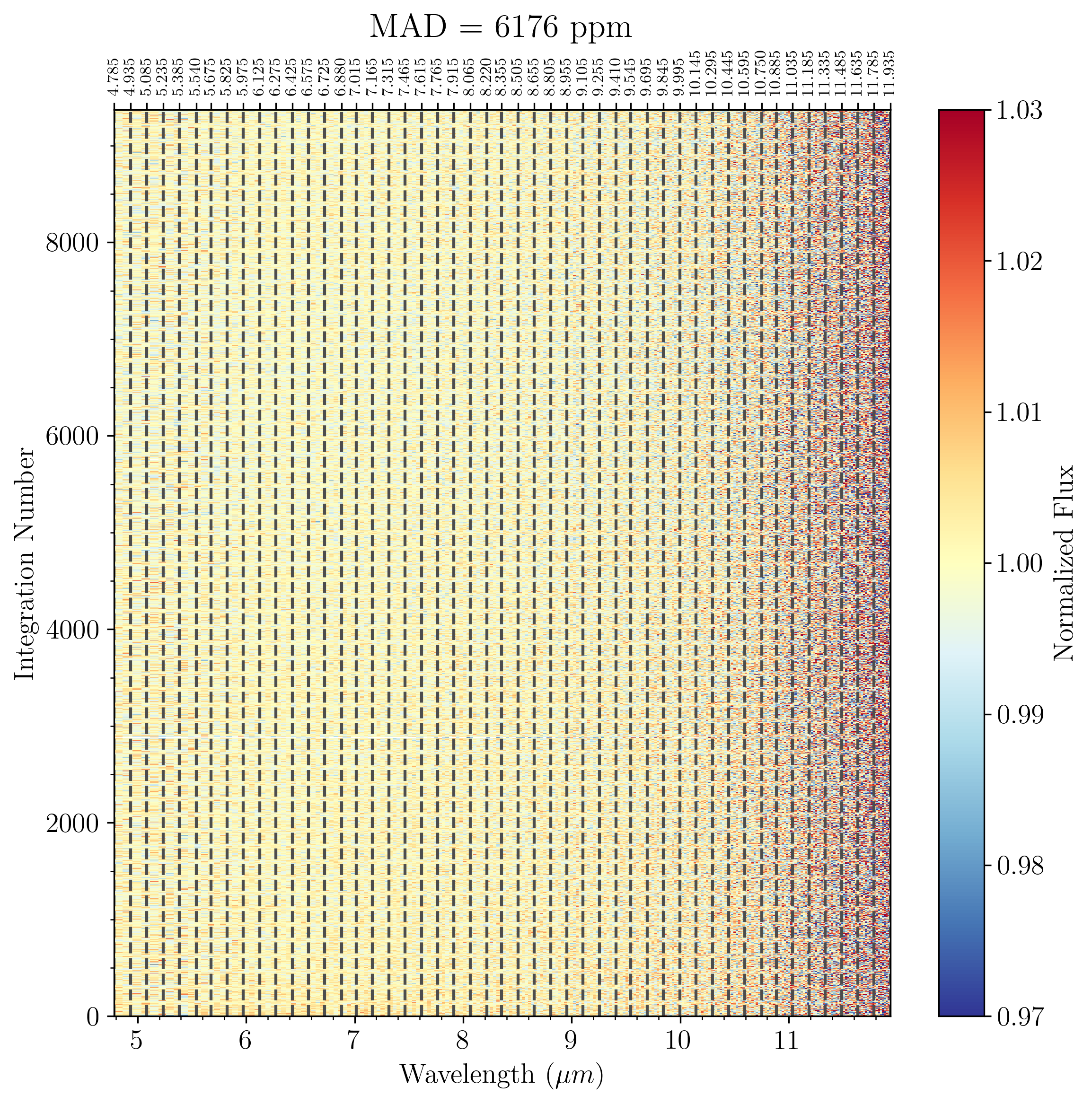
Fig 4101: 2-Dimensional Spectrum with a linear wavelength x-axis.
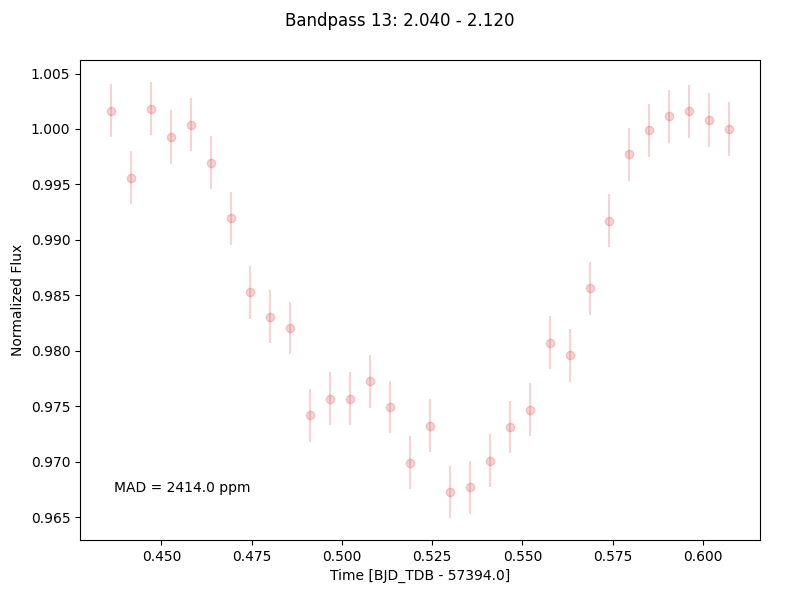
Fig 4102: 1-Dimensional Binned Spectrum
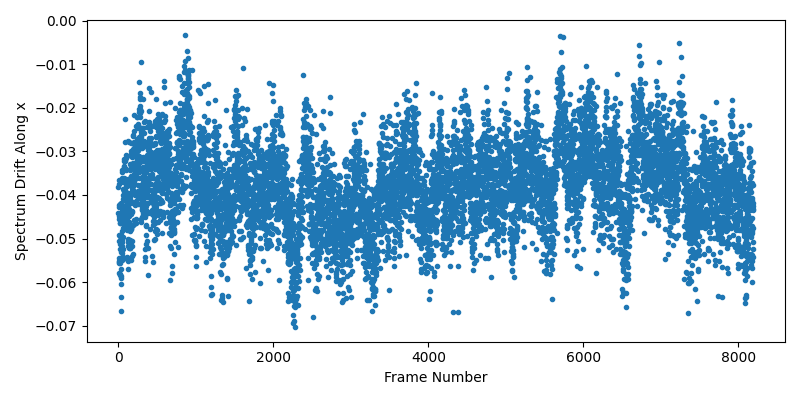
Fig 4103: Spectral Drift Plot
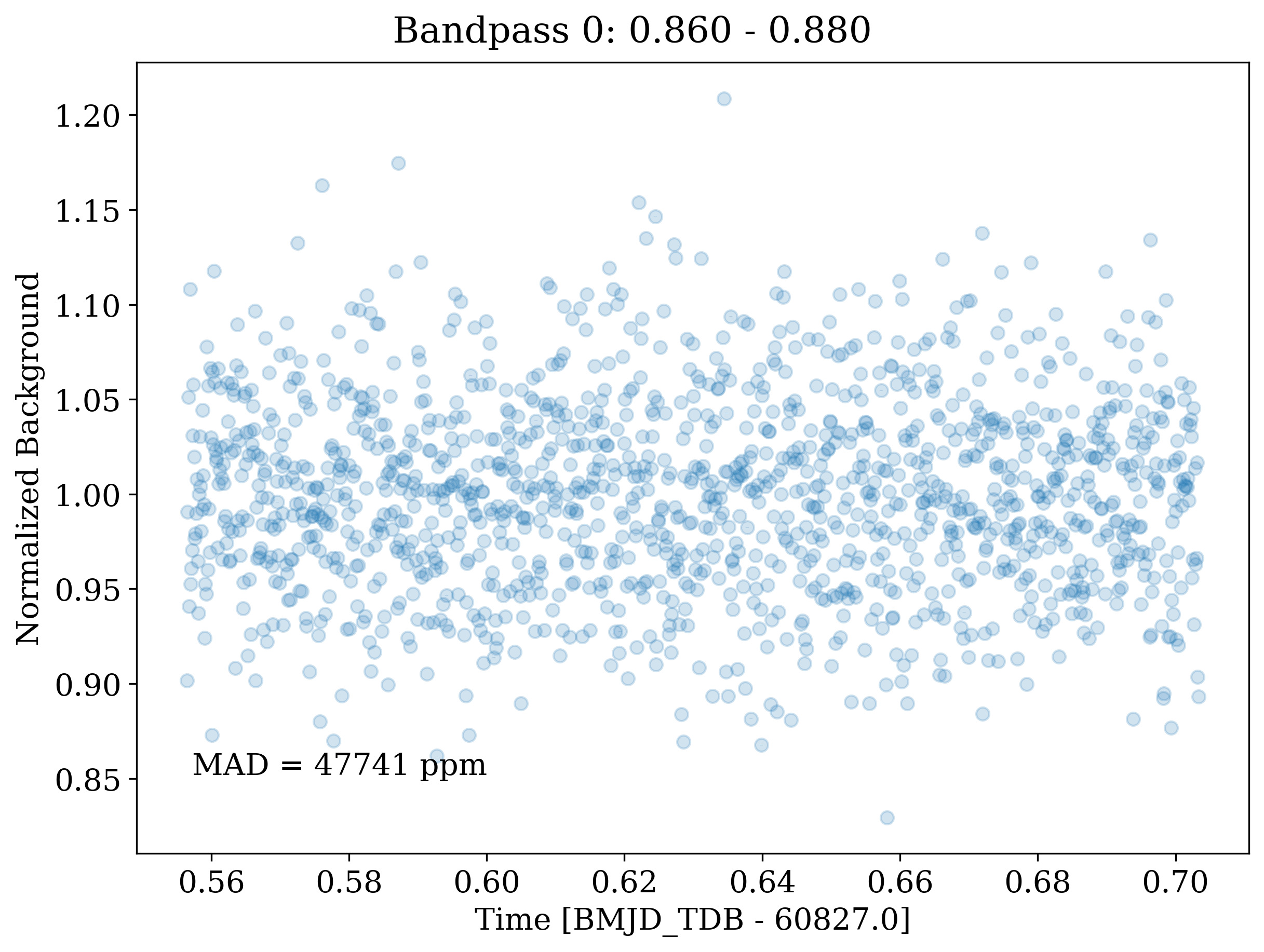
Fig 4105: Background Flux Plot
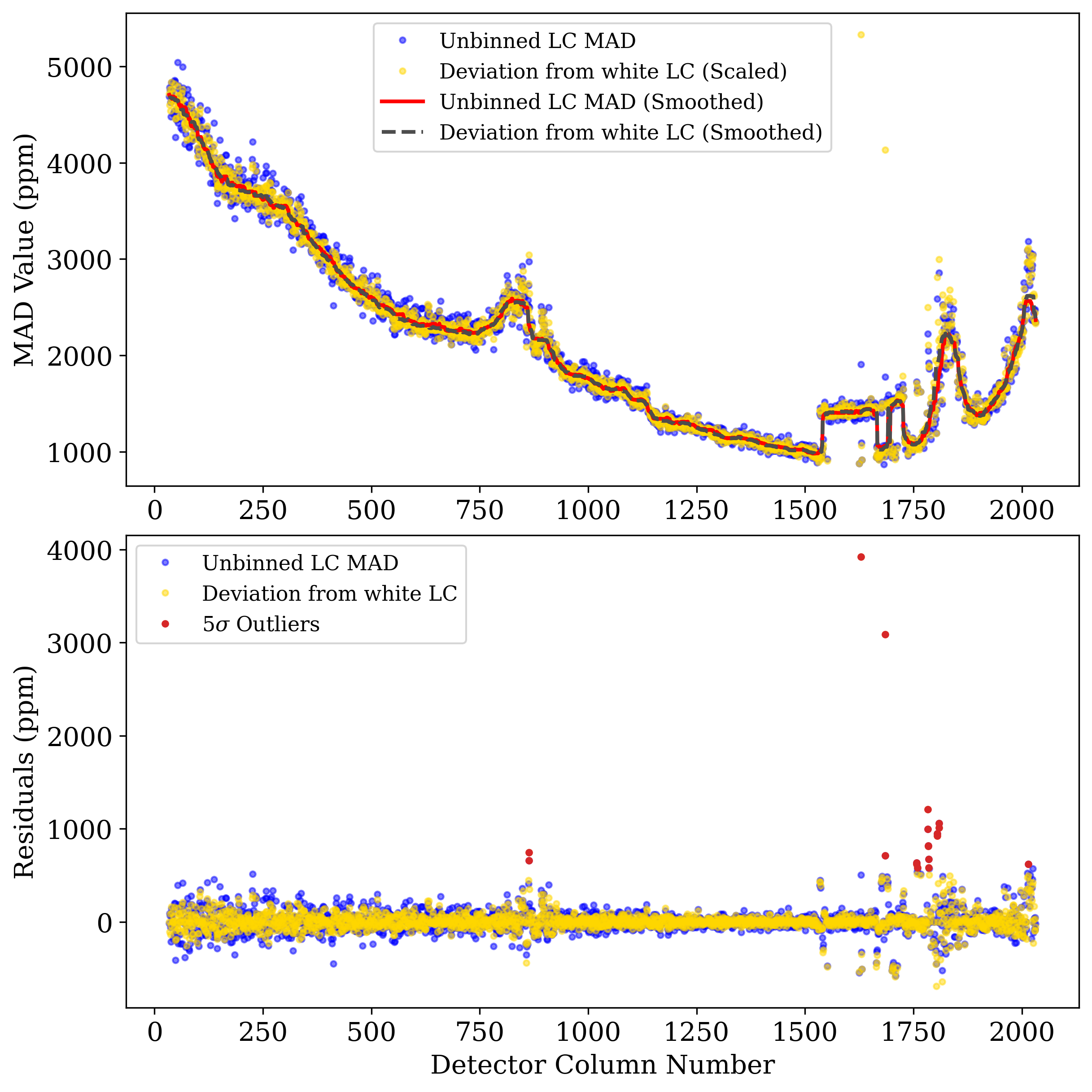
Fig 4106: MAD Outliers Plot
If
isplots_S4= 3:Eureka!will plot the cross-correlated reference spectrum with the current spectrum for each integration, and the cross-correlation strength for each integration.
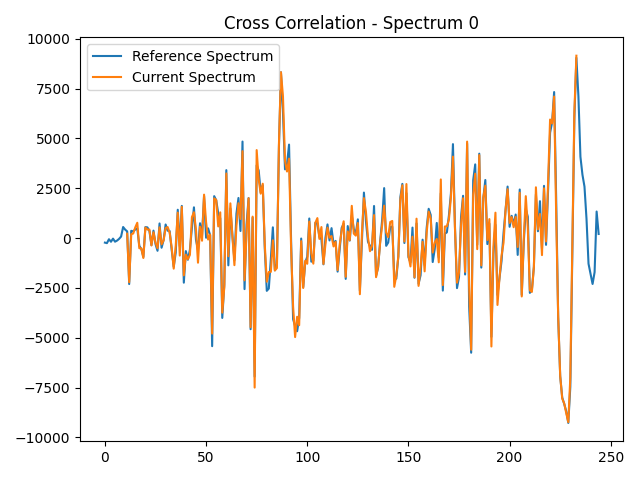
Fig 4301: Cross-Correlated Reference Spectrum
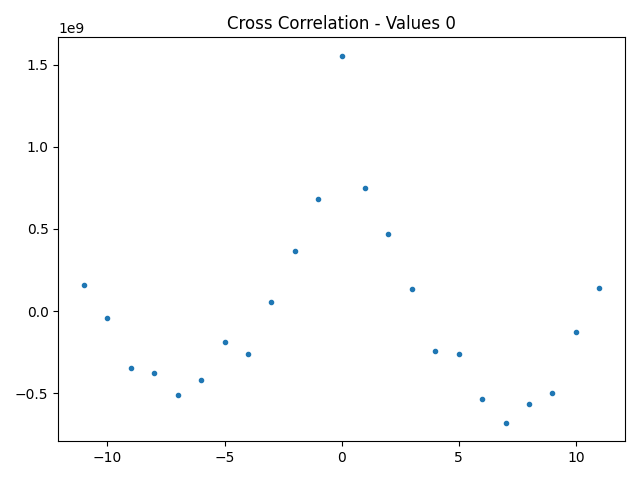
Fig 4302: Cross-Correlation Strength
Stage 5 Outputs
- In Stage 5:
If
isplots_S5= 1:Eureka!will plot the fitted lightcurve model over the data in each channel. If fitting with a GP, an additional figure will be made showing the GP component. If fitting a sinusoid_pc model, another zoomed-in figure with binned data will be made to emphasize the phase variations. Finally, an additional plot compares the fits from different fitters.
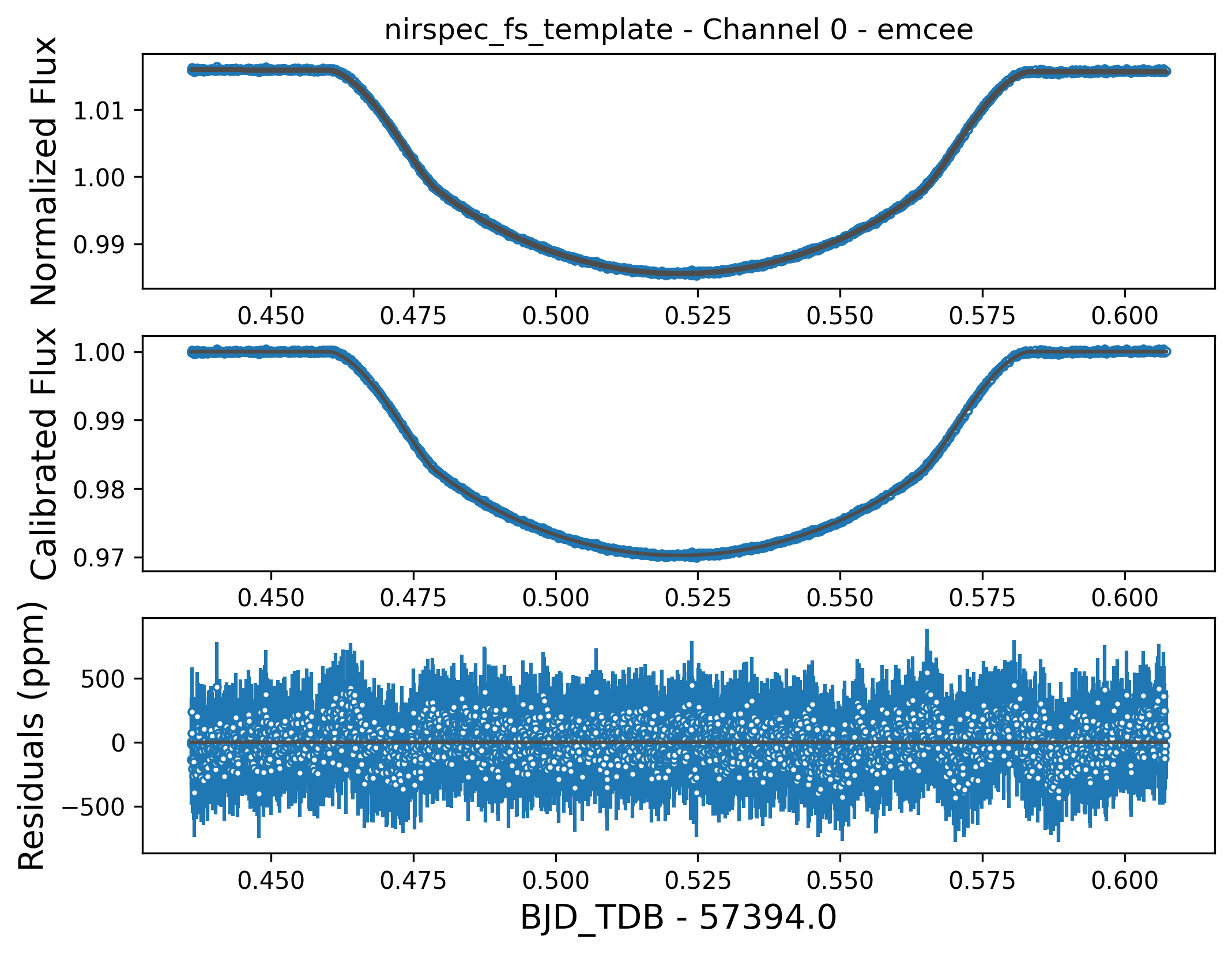
Fig 5101: Fitted Lightcurve, Model, and Residual Plot
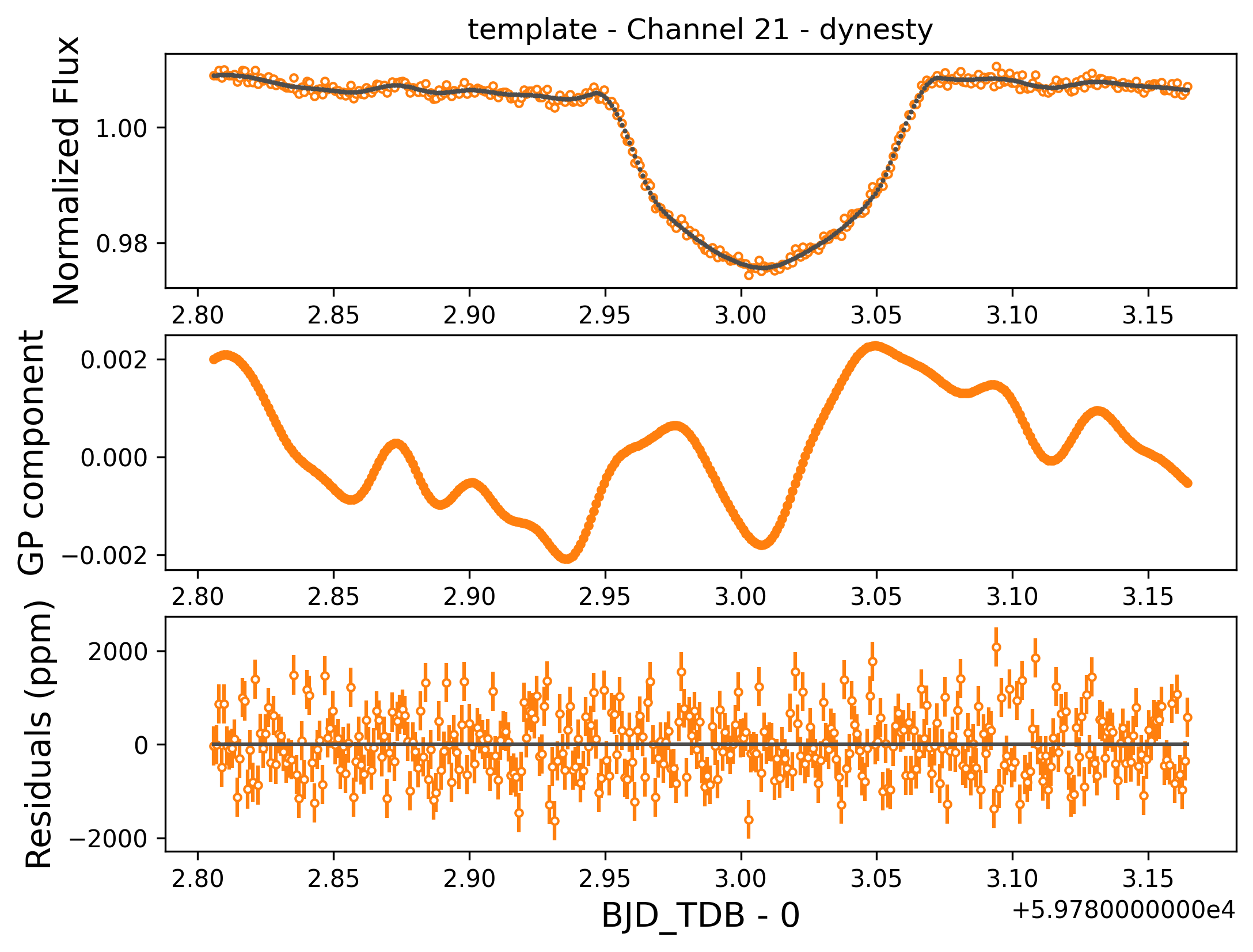
Fig 5102: Fitted Lightcurve, GP Model, and Residual Plot
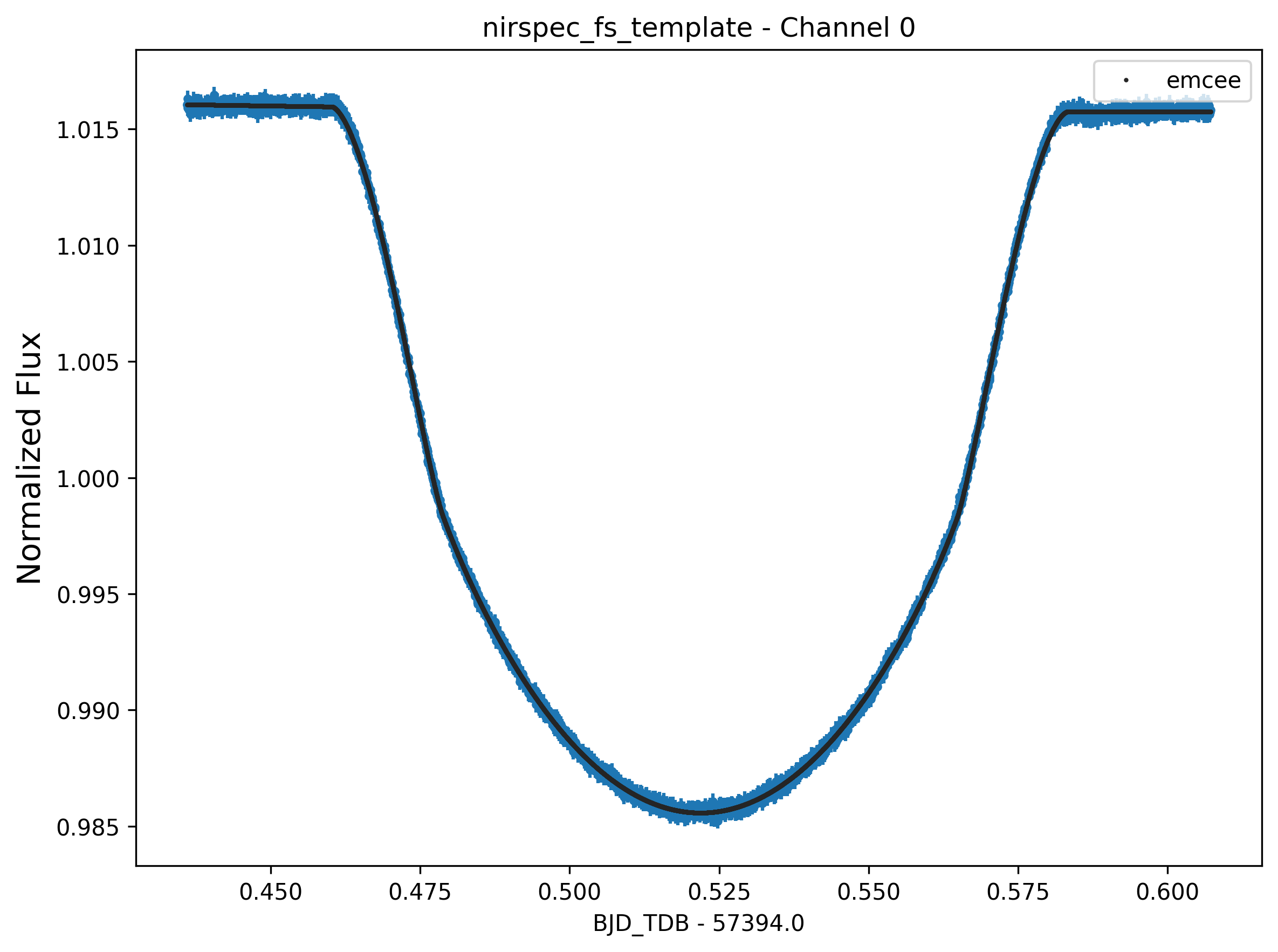
Fig 5103: Comparison of Different Fitters
Fig 5104: (Demo figure to come) Zoomed-in Figure Emphasizing Phase Variations Using Temporally Binned Data.
If
isplots_S5= 3:Eureka!will plot an RMS deviation plot for each channel to help check for correlated noise, plot the normalized residual distribution, and plot the fitting chains for each channel. If fitting a sinusoid_pc model, another zoomed-in figure with binned data in front of the unbinned data will be made to emphasize the phase variations.
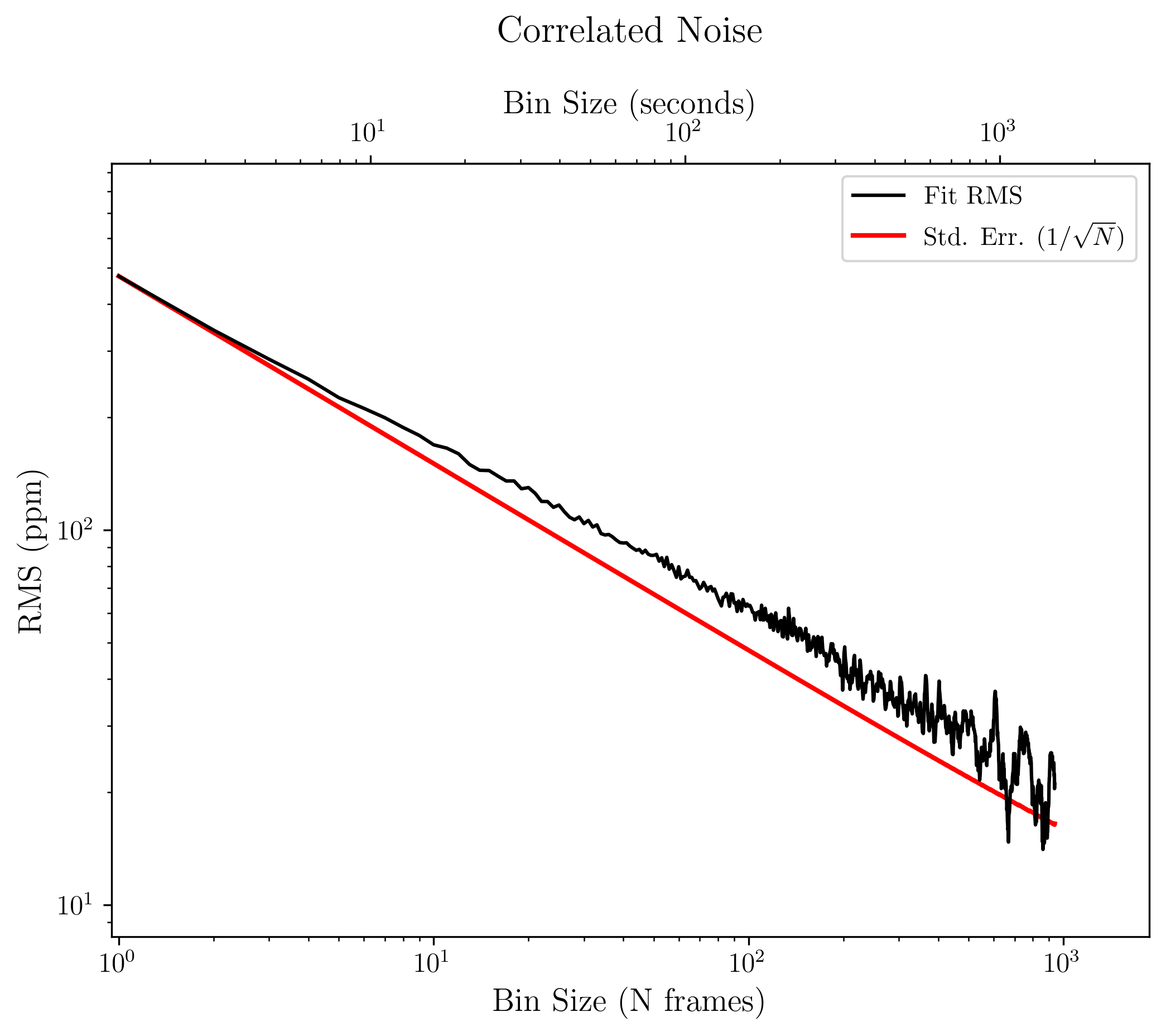
Fig 5301: RMS Deviation Plot
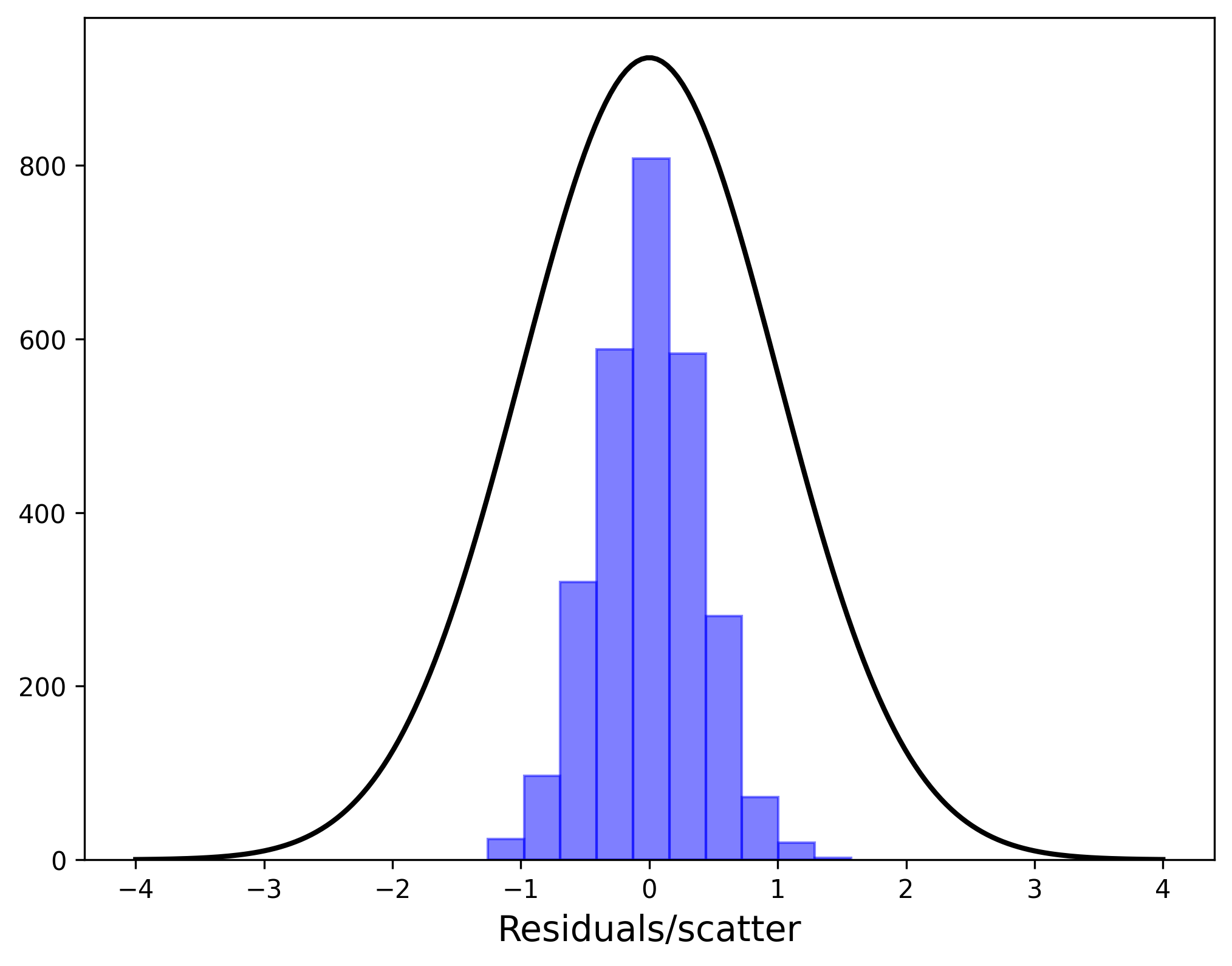
Fig 5302: Residual Distribution
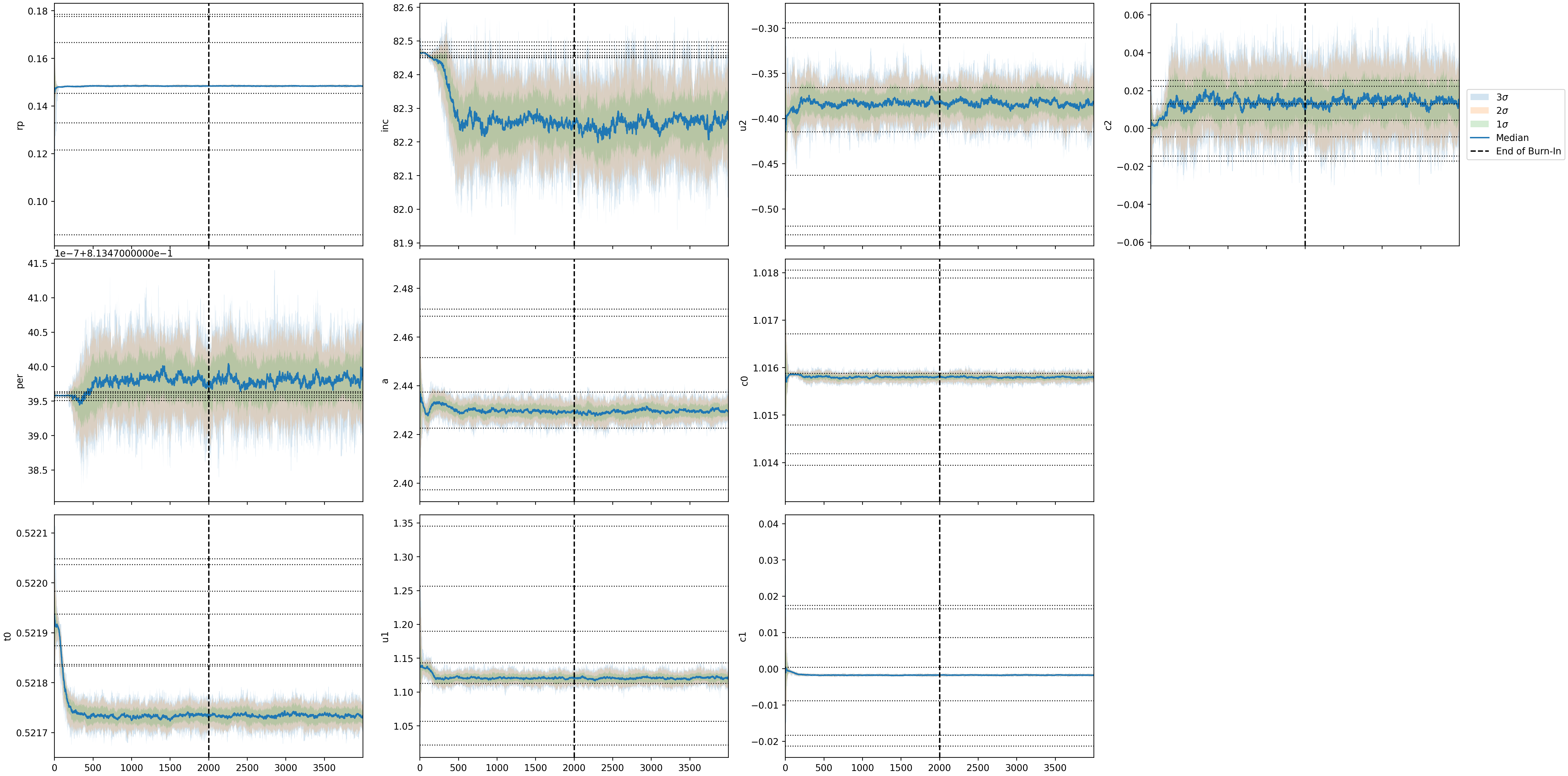
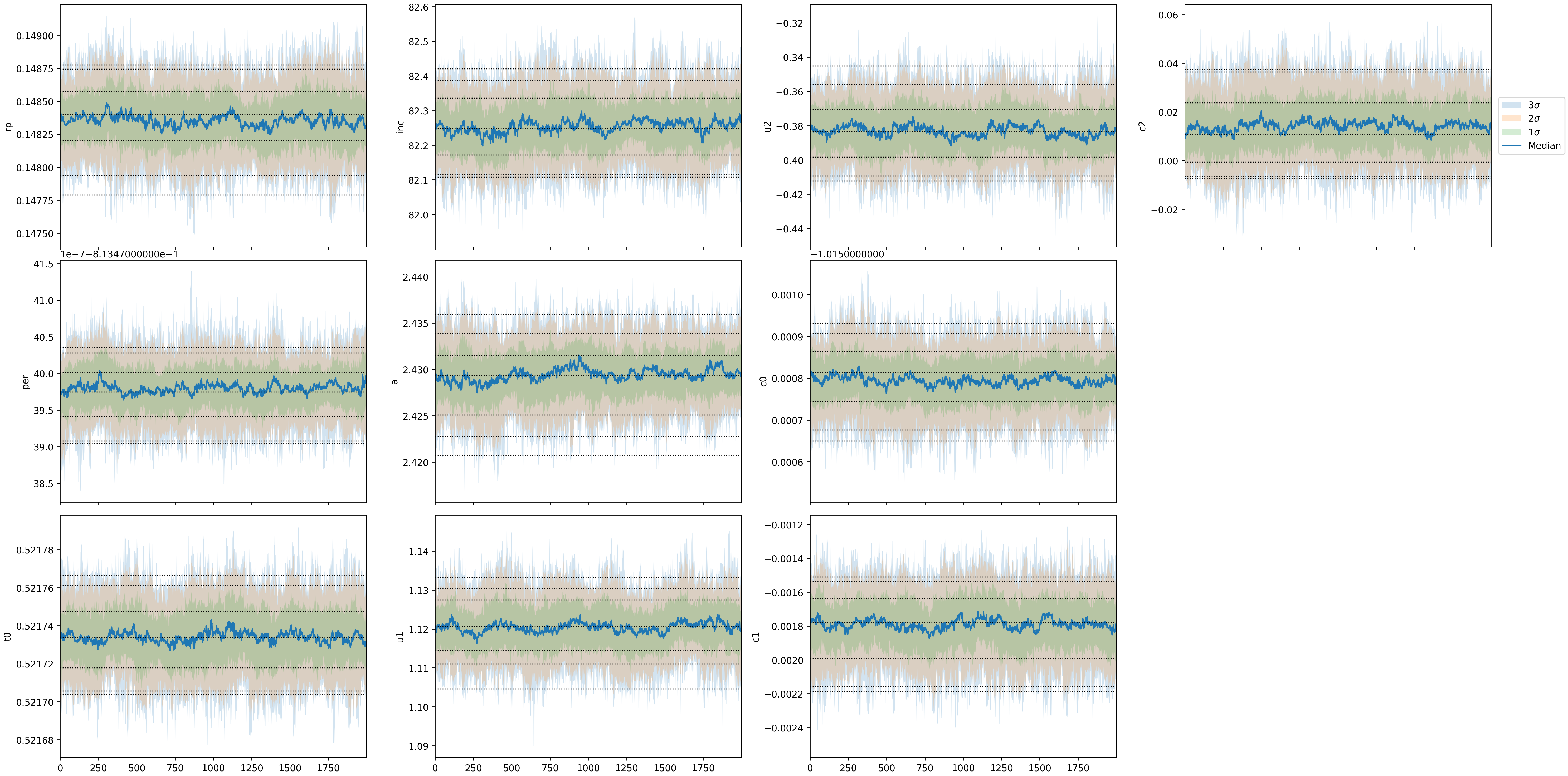
Figs 5303: Fitting Chains. Only made for
emceeruns. Two version of the plot will be saved, one including the burn in steps and one without the burn in steps.Fig 5304: (Demo figure to come) Zoomed-in Figure Emphasizing Phase Variations Using Temporally Binned Data Over Unbinned Data.
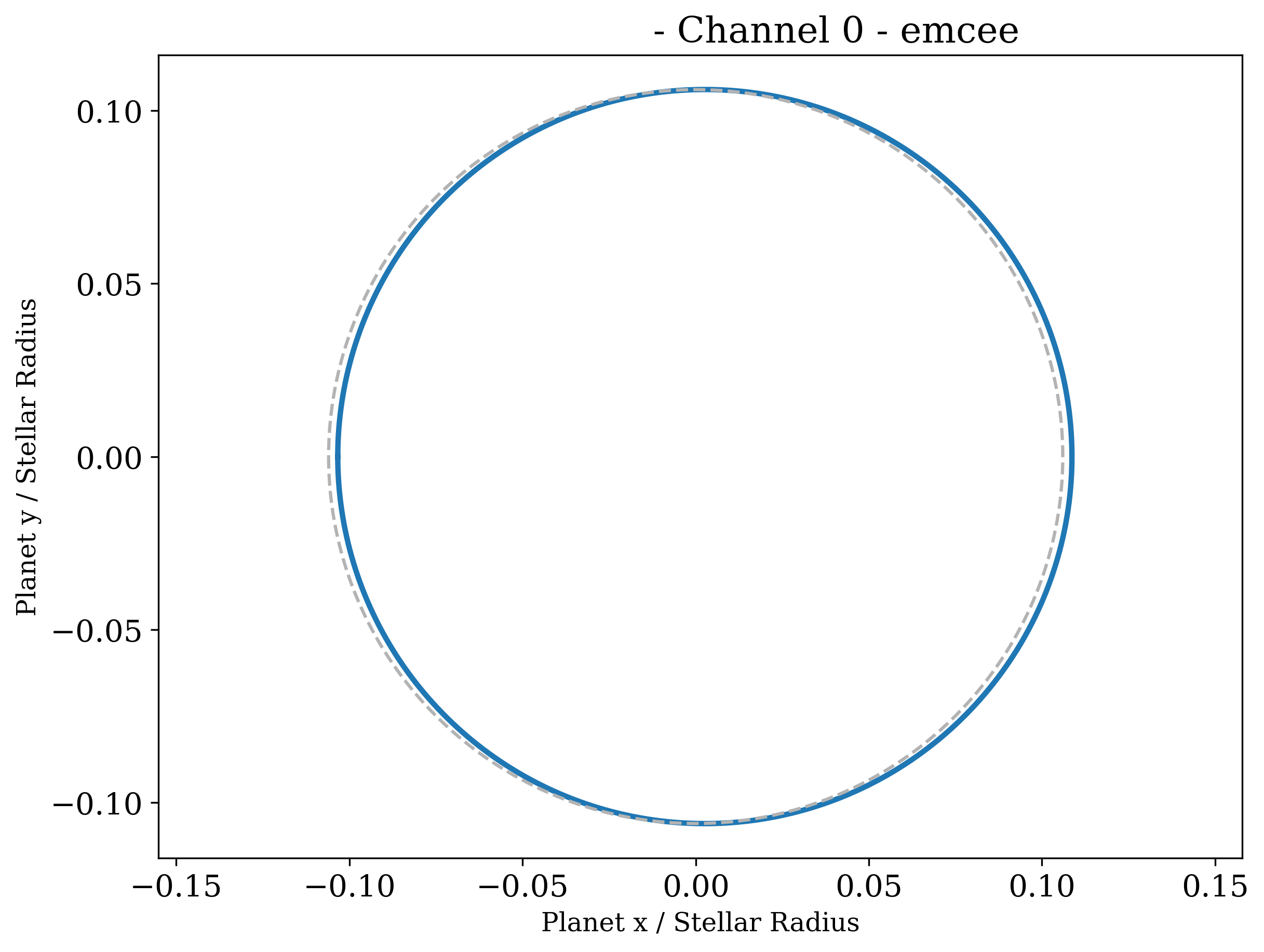
Fig 5309: Harmonica transmission string. The blue solid line depicts the measured shape of the planet. Any deviation from the reference circle (gray dashed line) points to a non-spherical planet. The morning limb is on the right; the evening limb is on the left.
If
isplots_S5= 5, and ifemceeordynestywere used as the fitter:Eureka!will plot a corner plot for each channel.
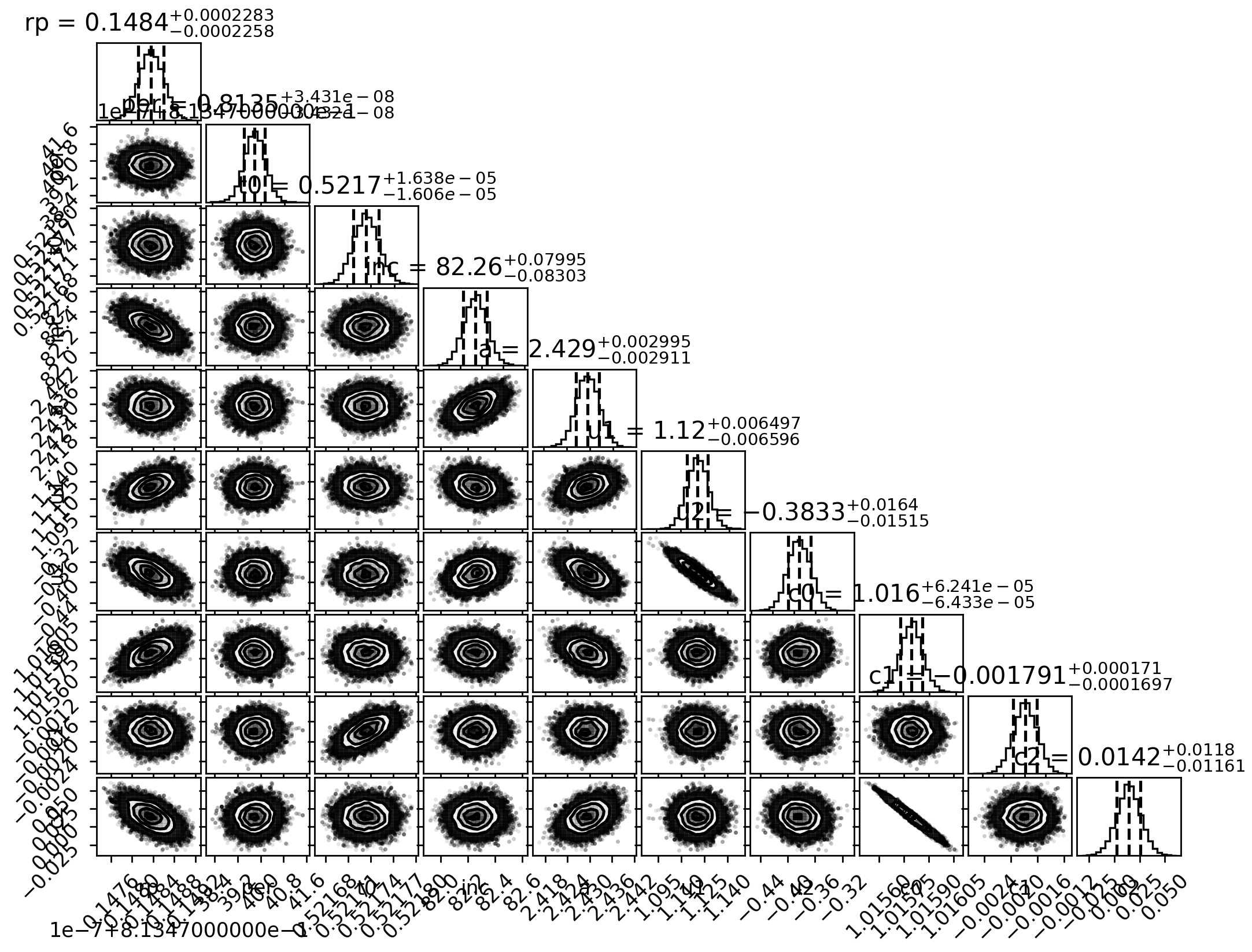
Fig 5501: Corner Plot
Stage 6 Outputs
- In Stage 6:
If
isplots_S6= 1:Eureka!will plot the transmission or emission spectrum, depending on the setting ofy_unit. If a model is provided, it will be plotted on the same figure along with points binned from that model to the resolution of the data.
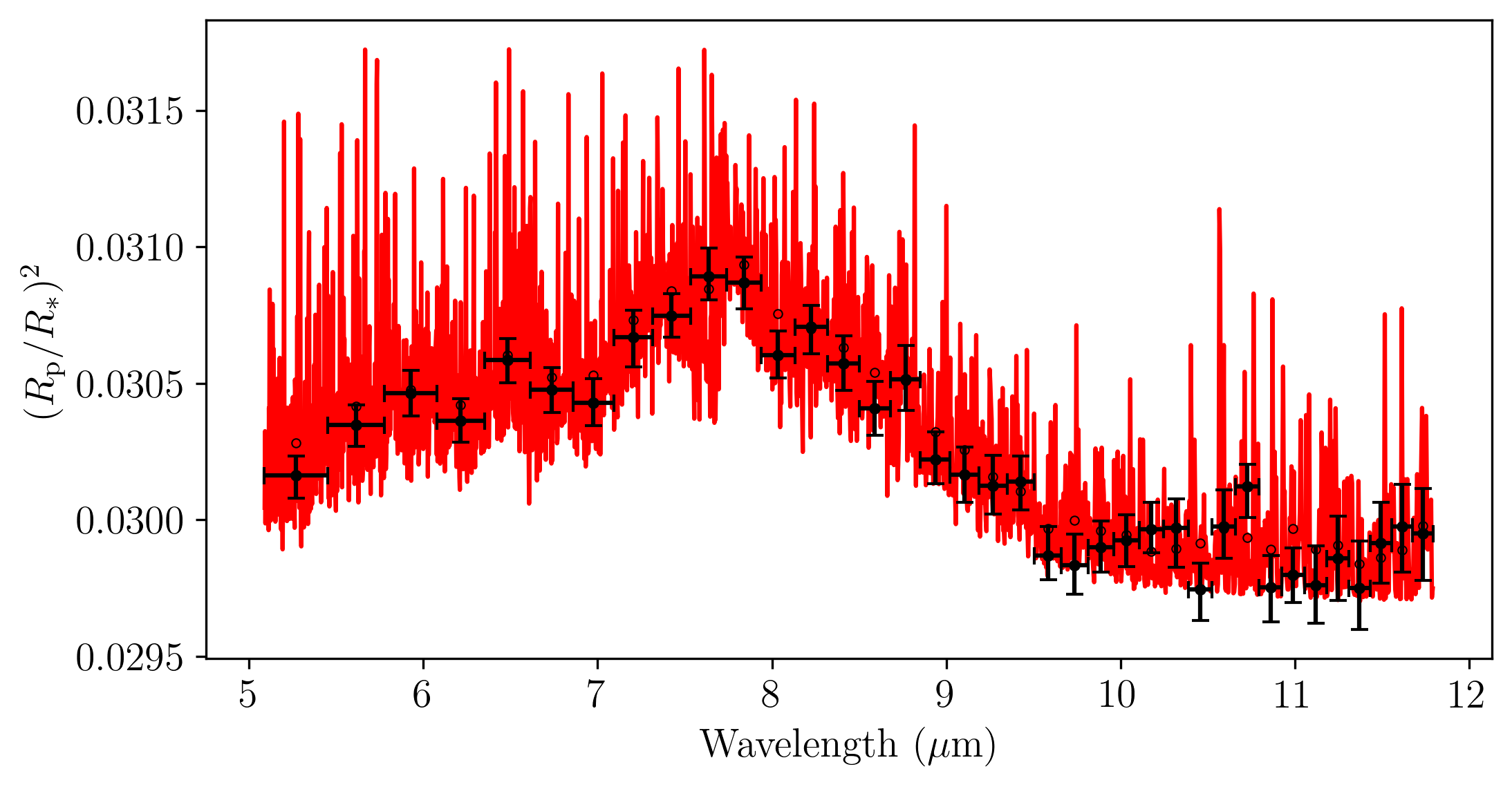
Fig 6101: Transmission Spectrum.
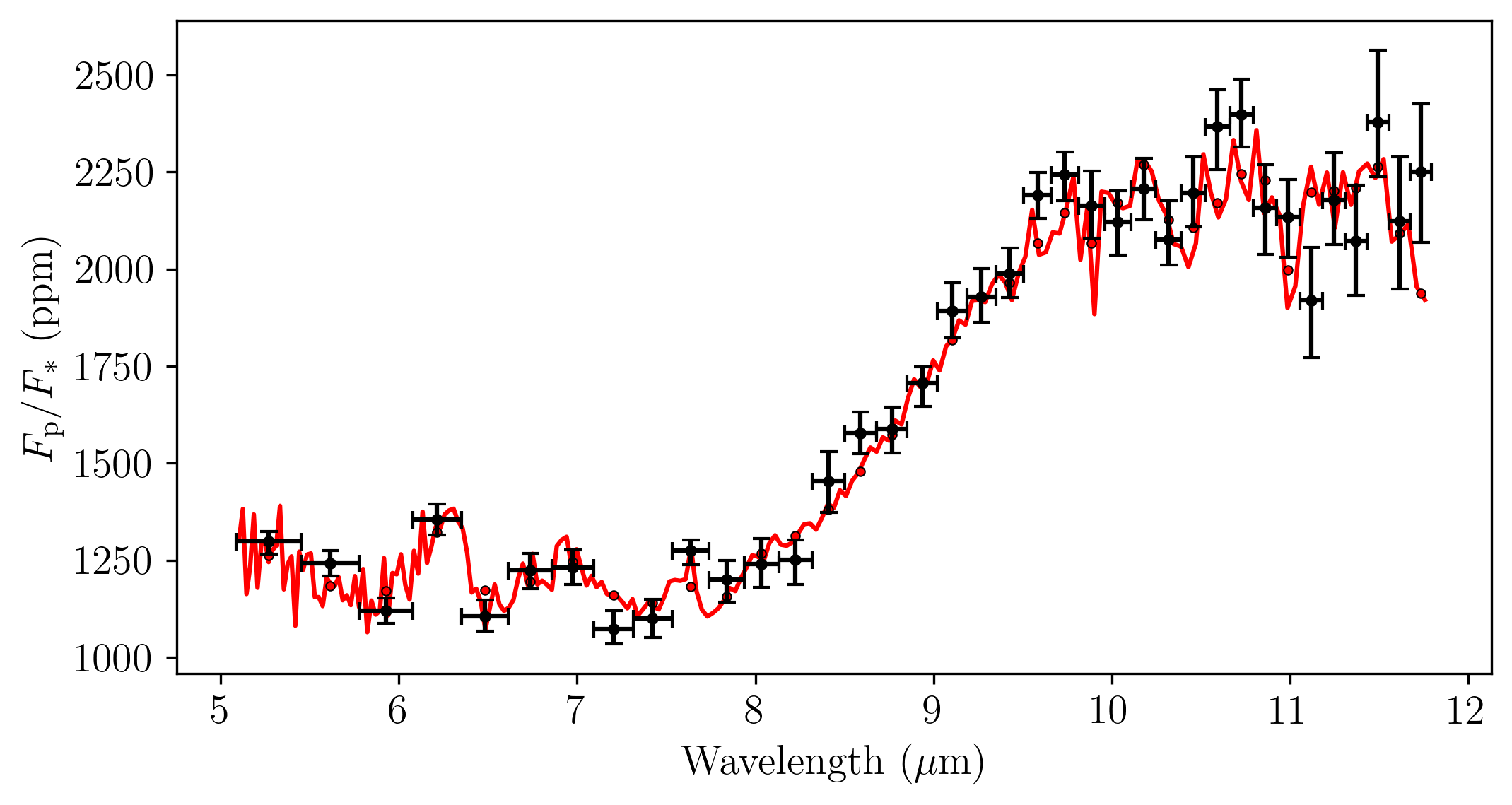
Fig 6101: Emission Spectrum.
If
isplots_S6= 3:Eureka!will make another transmission plot (ify_unitis transmission type) with a second y-axis which is in units of atmospheric scale height.
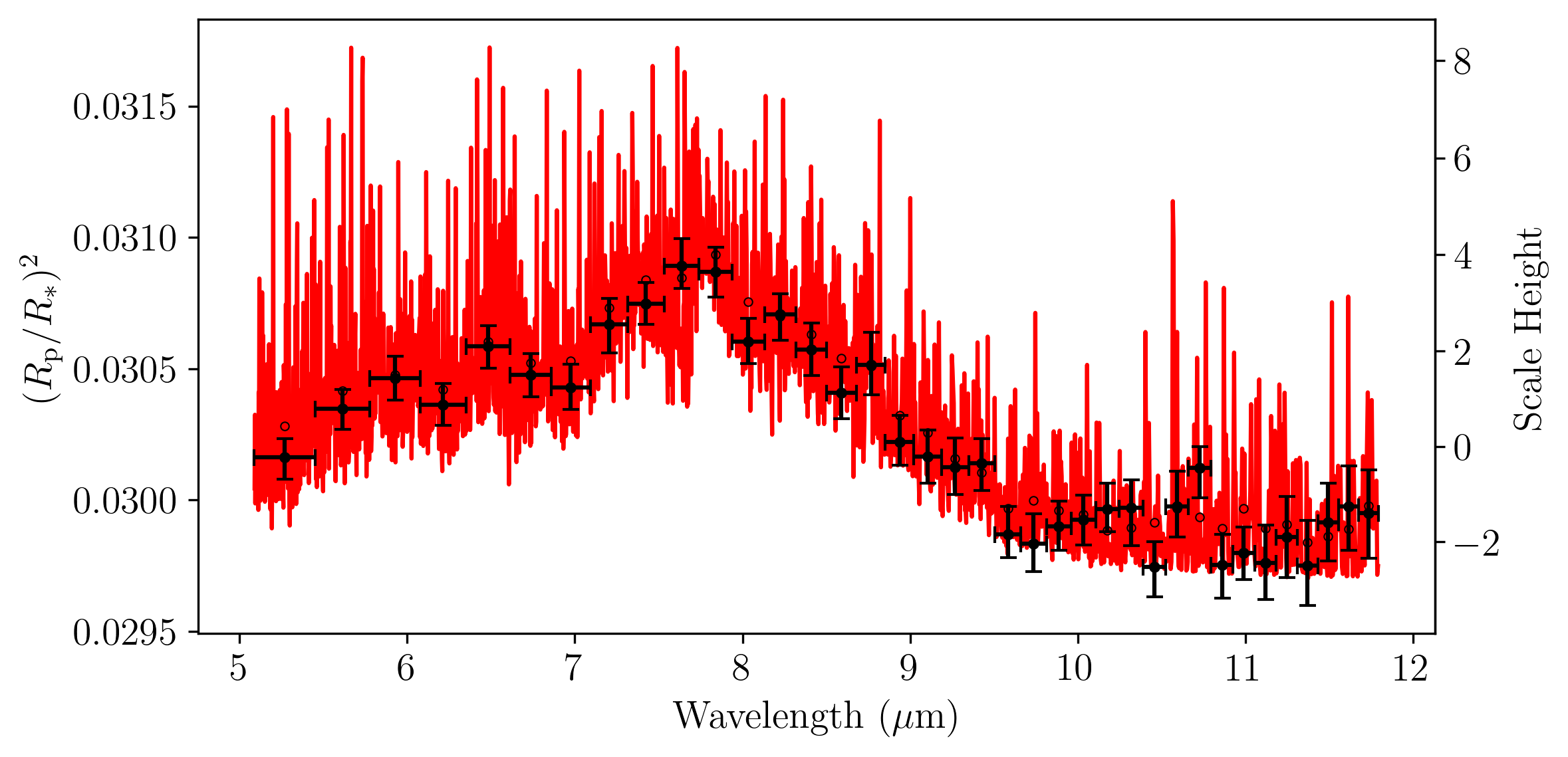
Fig 6301: Transmission Spectrum with Double y-axis.